Editing a Combined Pattern 131
5
Editing a Combined Pattern
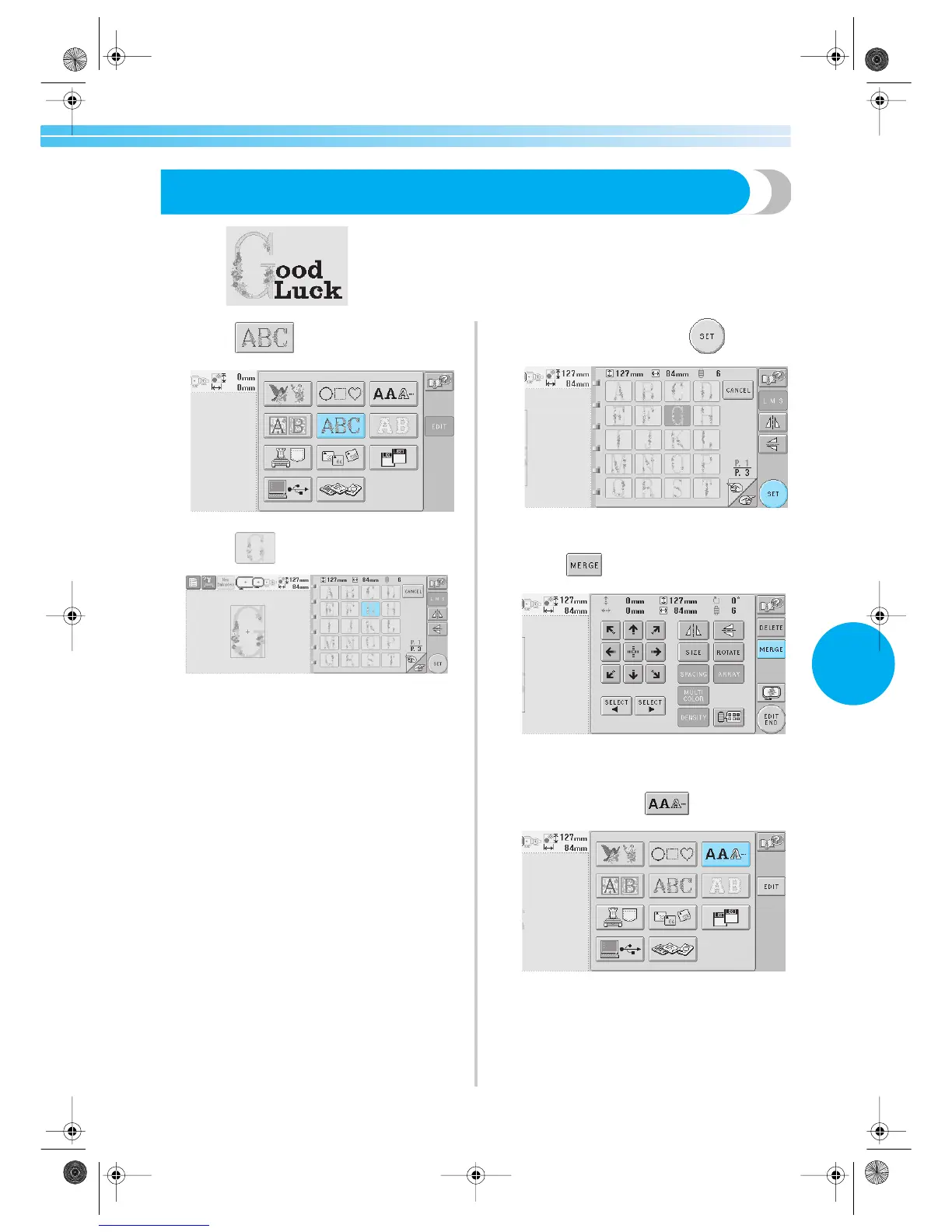
Example) In this section, we will combine text with floral alphabet pattern, which we
will then edit.
1
Touch .
2
Select .
X This pattern will be positioned at the center
of the embroidery area.
3
To select the pattern, touch .
X The pattern editing screen appears.
4
Touch .
X The pattern type selection screen appears
again.
5
To enter text, touch .
Sapphire.book Page 131 Friday, August 1, 2003 9:12 AM


 To Next Page
 Loading...













