102
External Connections
Connecting to a TV and VCR
Playing Back on a TV Screen
Selecting the Type of TV
During playback set the [TV TYPE] option according to the TV set to which you connect
the camcorder – [WIDE TV]: TV sets with 16:9 aspect ratio or [NORMAL TV]: TV sets with
4:3 aspect ratio ( 84).
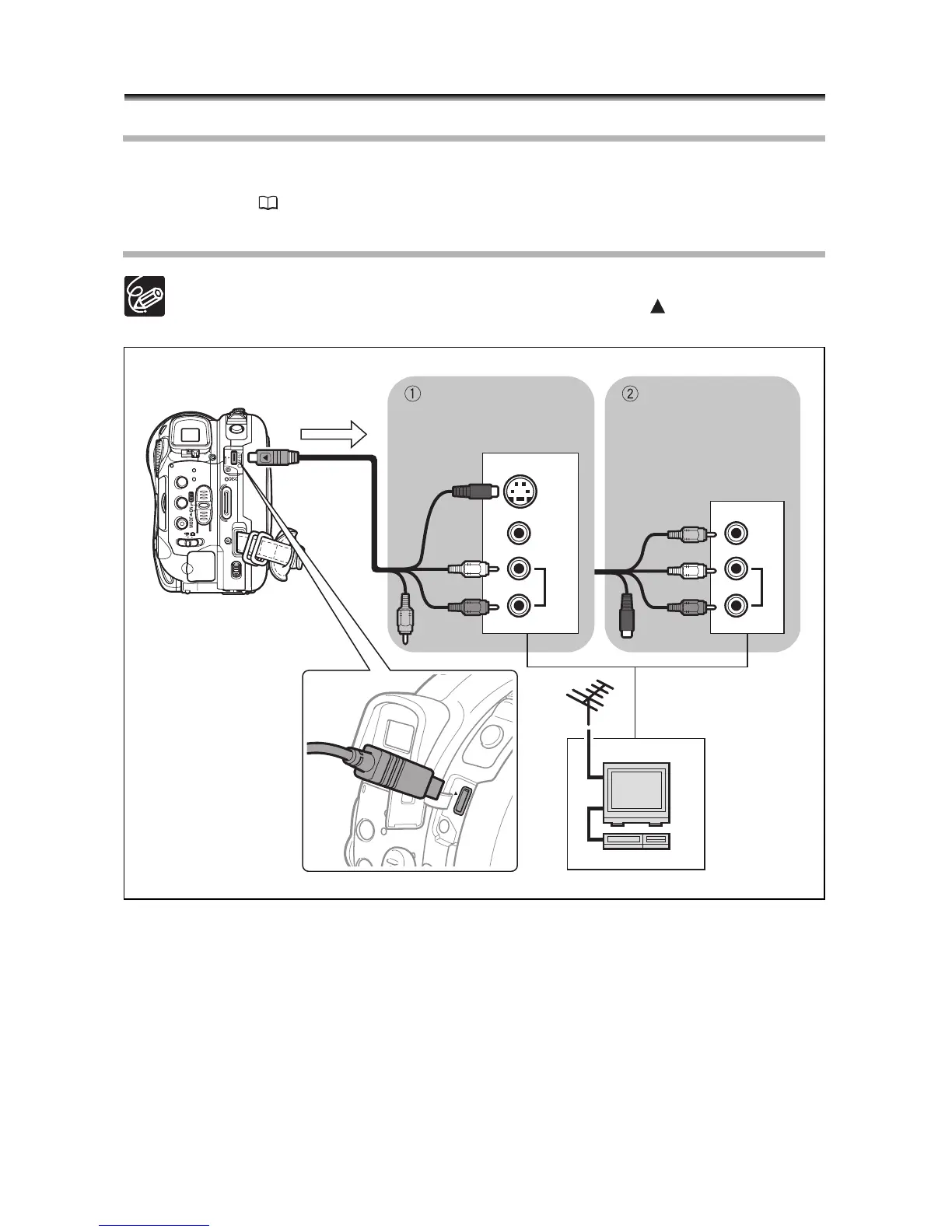
Connection Diagram
When connecting the MTC-100 Multi Cable to the camcorder, make sure to insert
the cable straight and in the correct direction – aligning the marks on the
cable’s connector and on the AV OUT terminal.
VIDEO
S-VIDEO
INPUT
AUDIO
R



 To Next Page
 Loading...








