60
Changing the FUNC. Settings
Changing Settings with the
FUNC. Button
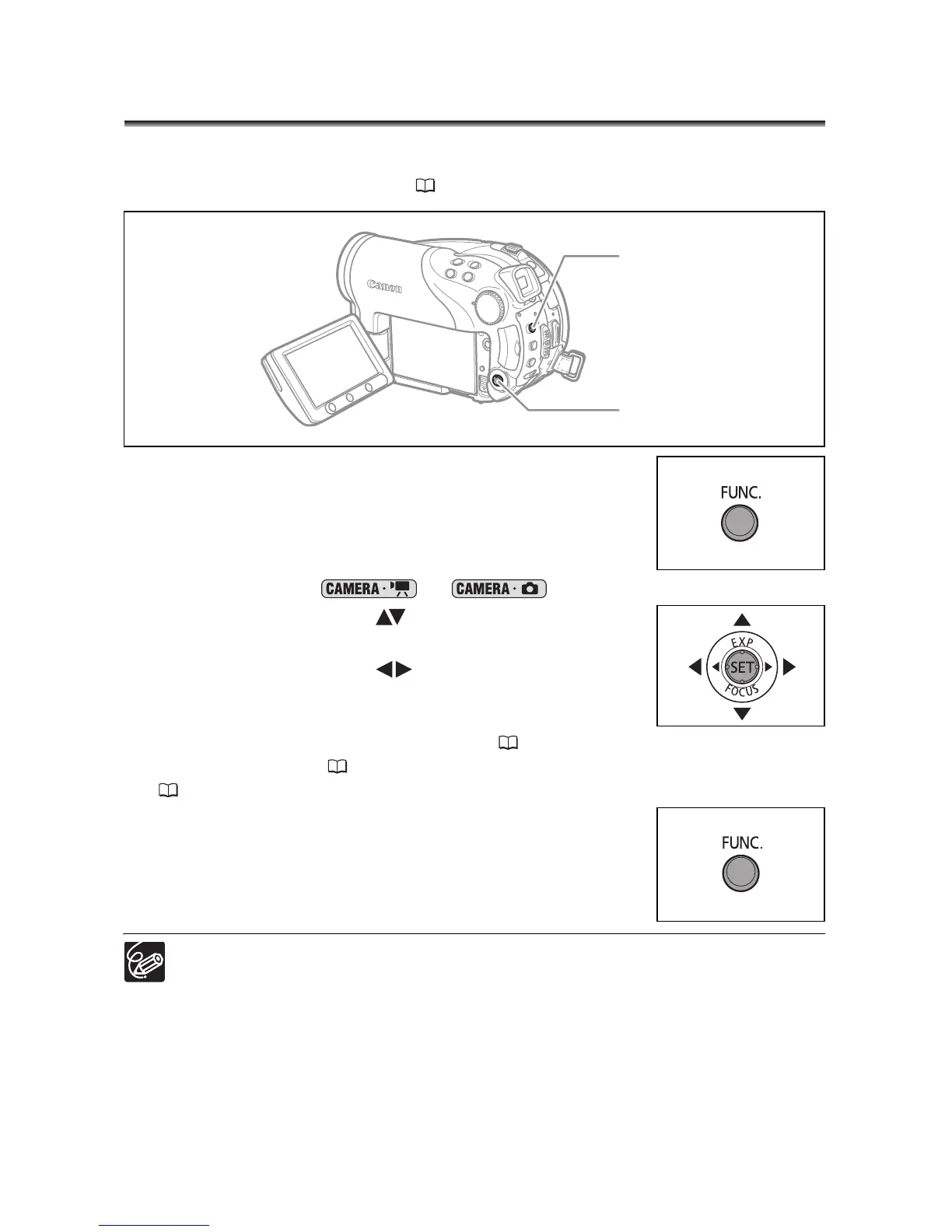
Many of the camcorder’s functions can be adjusted from the menu that opens after
pressing the FUNC. button. For a list of the settings that can be changed using this menu,
see Available Settings List (FUNC.) (61).
1. Press the FUNC. button.
In the recording modes ( or ):
2. Use the multi selector ( ) to select the function
you want to change.
3. Use the multi selector ( ) to move through the
available options at the bottom bar.
Refer to the following pages for further details on setting the
[SET] option for the white balance function ( 64), the [CUSTOM] option for the
image effect function ( 66), or the [MULTI-S] option for the digital effect function
(73).
4. Press the FUNC. button to save the settings and
close the menu.
The symbols of functions or setting options not available appear grayed out on
the left side column.
Pressing the FUNC. button at any time closes the menu.
Multi Selector
FUNC. button



 To Next Page
 Loading...








