Restricting USB Functions
0W20-04C
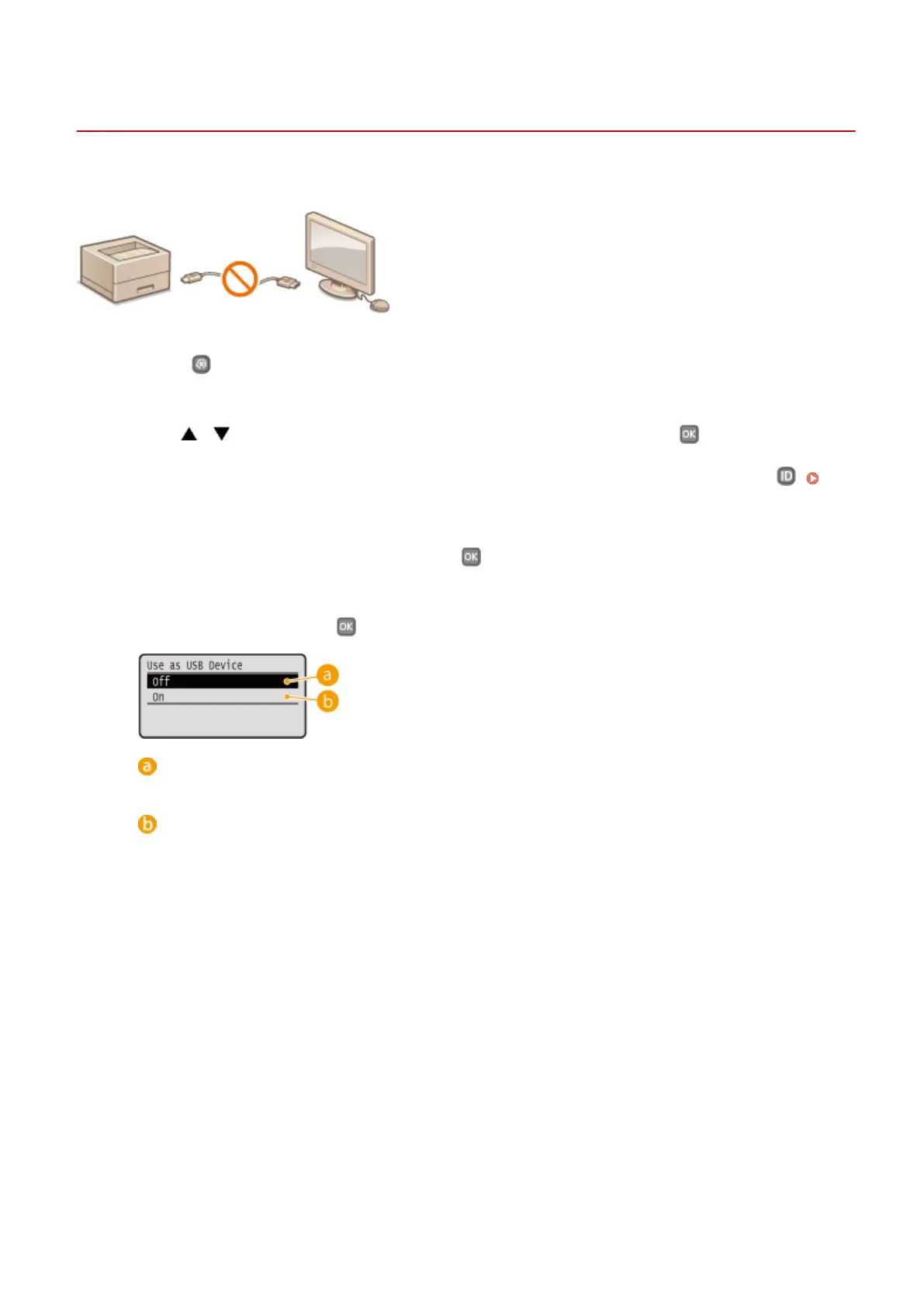
You can disable the USB port for computer connection located on the back side of the machine.
1
Press .
2
Use / to select <System Management Settings>, and press .
● If the logon screen appears, enter the correct ID and PIN using the numeric keys, and then press .
Logging on to the Machine(P. 34)
3
Select <Use as USB Device>, and press .
4
Select <Off>, and press .
<Off>
Disables the USB port of the machine.
<On>
Enables the USB port of the machine.
5
Restart the machine.
● Turn OFF the machine, wait for at least 10 seconds, and turn it back ON.
Security
231


 To Next Page
 Loading...








