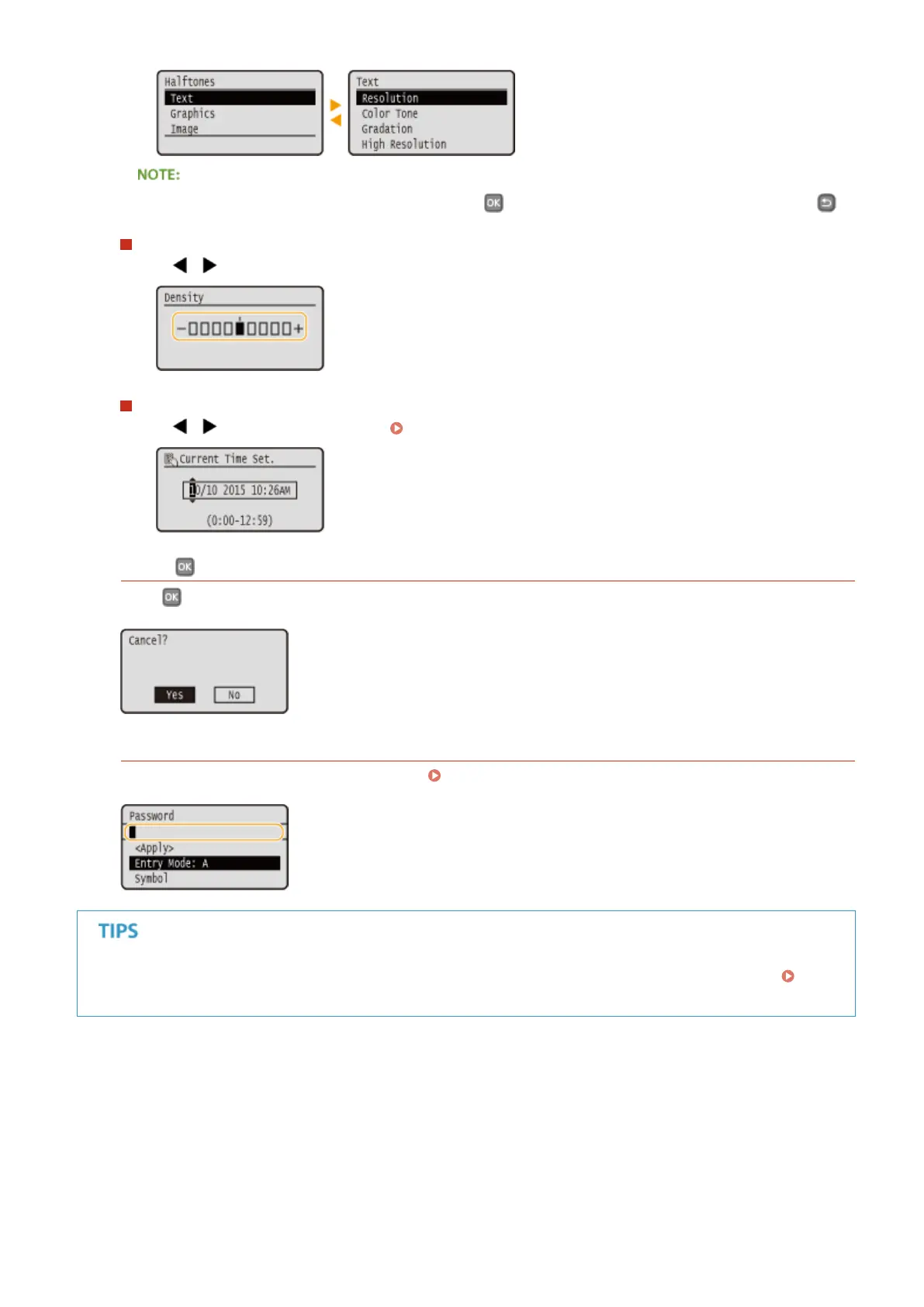
You can also proceed to the next screen by pressing , and return to the previous screen by pressing .
Changing Setting Values
Use / to adjust the setting on the scale.
Moving the Cursor
Use / to enter text and values. Entering Text(P. 32)
Using
Press to apply a setting.
Using the Numeric Keys
Use the numeric keys to enter text and values. Entering Text(P. 32)
● You can change a variety of display-related settings, such as the scrolling speed or display language:
Display Settings(P. 303)
Basic Operations
31


 To Next Page
 Loading...








