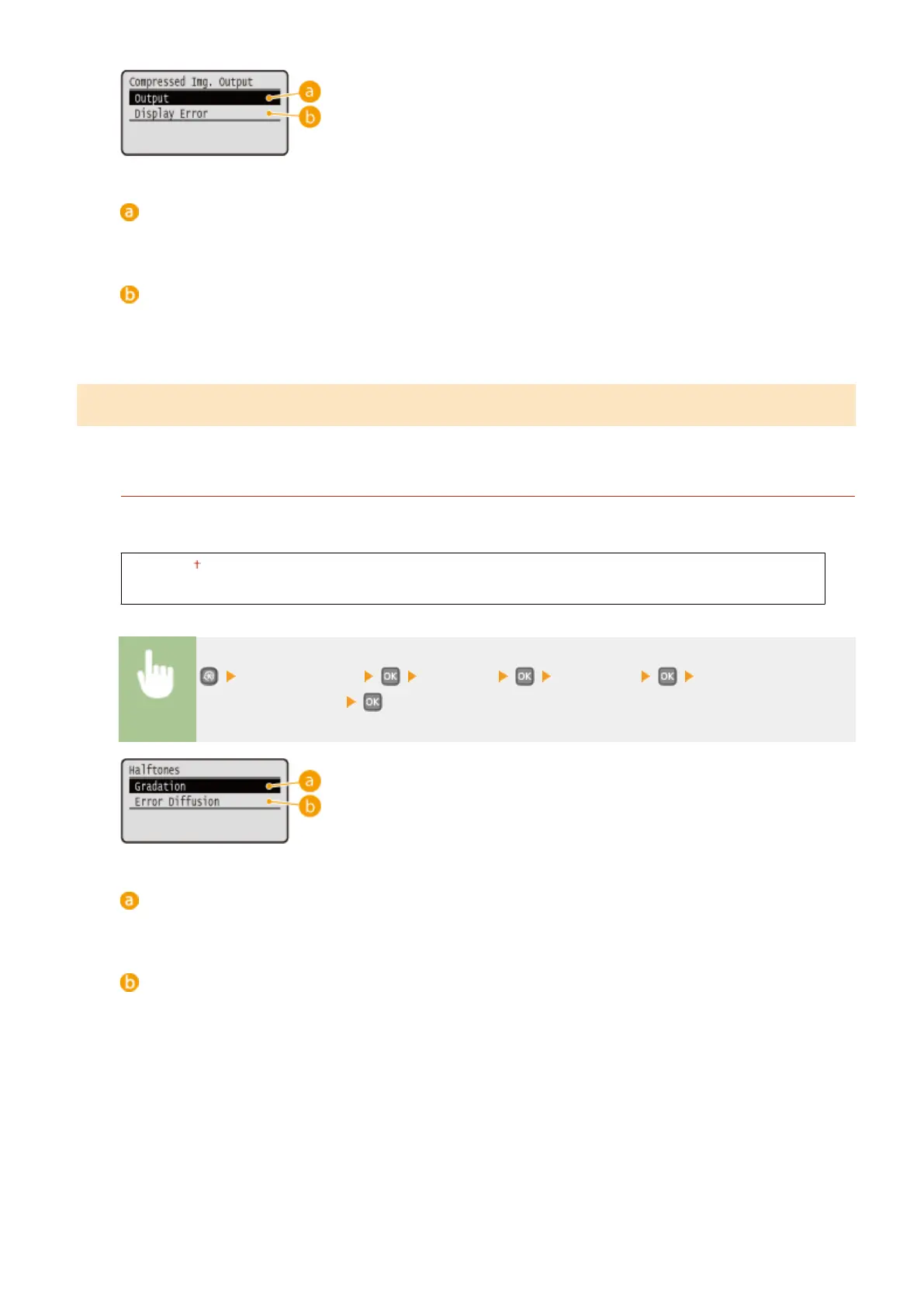
<Output>
The machine continues the print job regardless of the degree of decrease in image quality.
<Display Error>
When image quality has signicantly decreased, the machine displays an error message and stops the print
job.
Imaging
Make settings for JPEG and TIFF image les that you can print by AirPrint.
Halftones
You can select the printing method to reproduce halftones (the intermediate range between the lighter and
darker areas of an image) for optimal image quality.
Gradation
Error Diffusion
<Printer Settings> <Imaging> <Halftones> Select the halftone
reproduction method
<Gradation>
Prints images with ne gradation, such as digital camera images, with a smooth nish.
<Error Diffusion>
Prints images with small text or ne lines with a clear nish.
Setting Menu List
331


 To Next Page
 Loading...








