Multi-Purpose Tray
Force Output
Display Error
Drawer 1
Force Output
Display Error
Drawer 2
*1
Force Output
Display Error
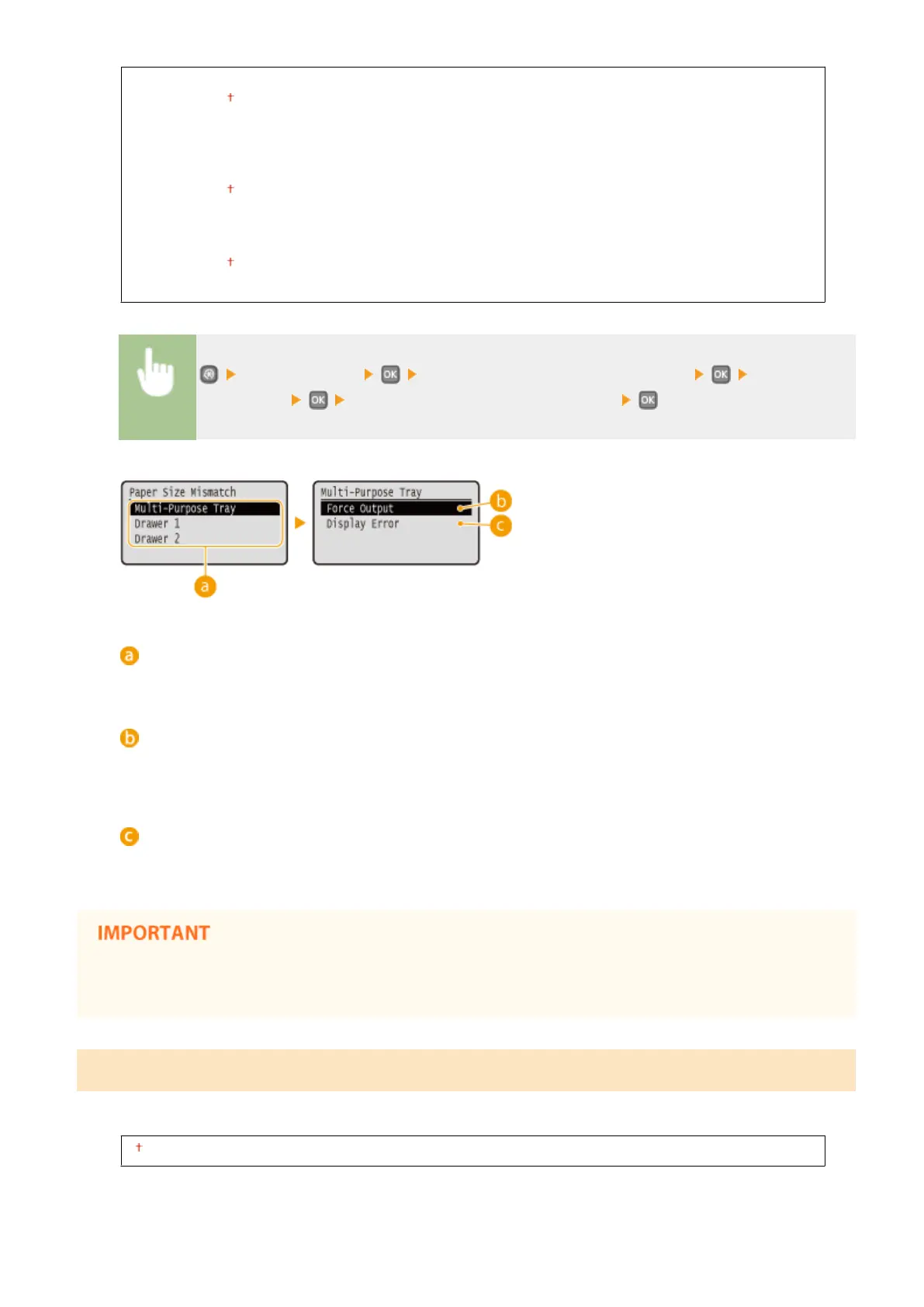
<Printer Settings> <Action When Free Paper Size Mismatch> Select the
paper source Select <Force Output> or <Display Error>
Paper Sources
Select the paper source for which you want to specify the operation.
<Force Output>
Perform printing even when the paper size setting in the printer driver and the size of the loaded paper are
rather different.
<Display Error>
Display an error message and do not perform printing when the paper size setting in the printer driver and
the size of the loaded paper are rather different.
● If the settings in the printer driver do not match the size and type of the loaded paper, a paper jam or
printing error may occur.
Copies
Set the number of copies to print.
1 to 99
Setting Menu List
314


 To Next Page
 Loading...








