Improving Eciency
0W20-075
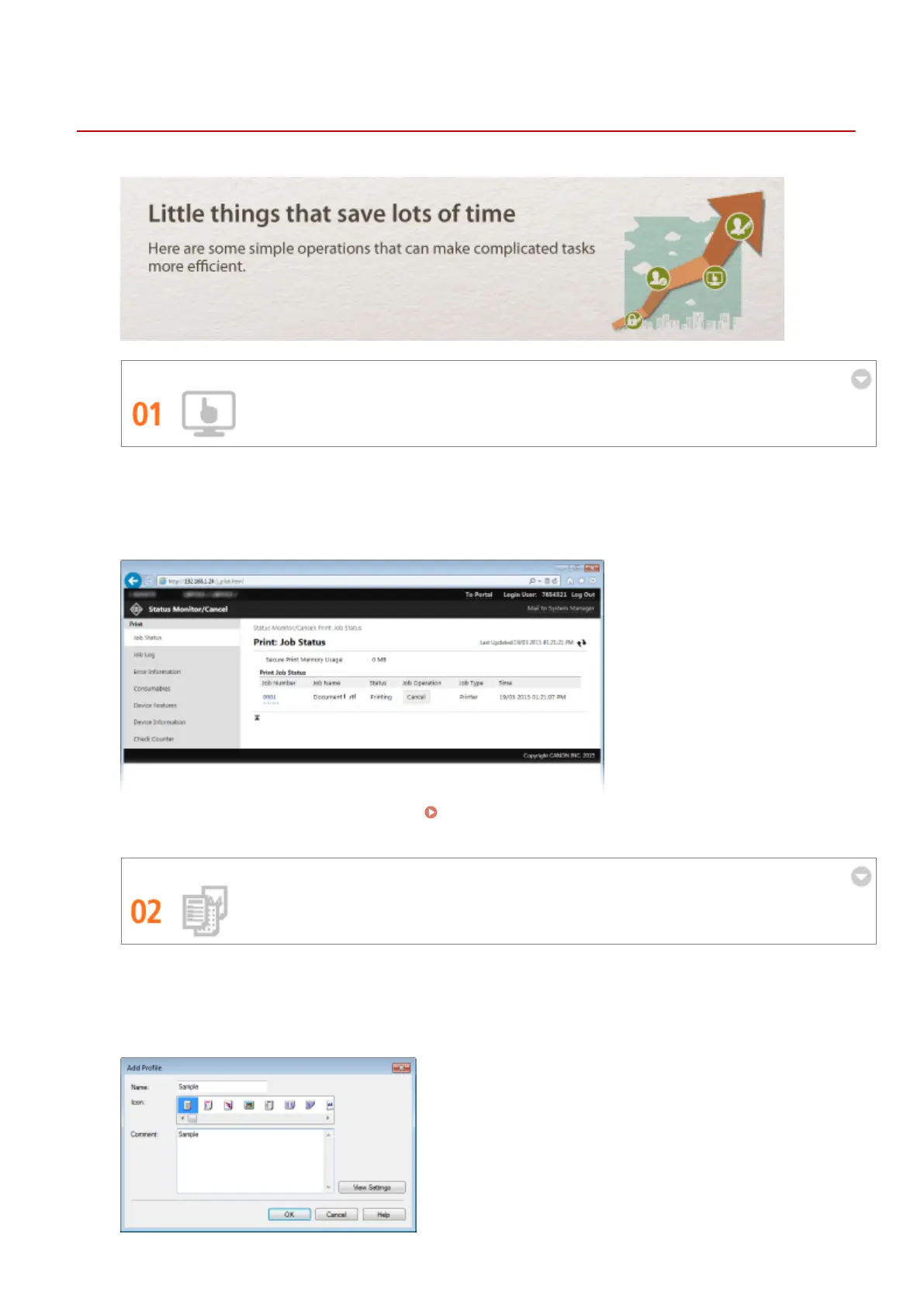
Remote Management with Remote UI
The Remote UI allows you to manage the machine remotely from the computer at your desk. You can check the
remaining amounts of paper and toner cartridge, and check the current status of print jobs to decide if you
should temporarily interrupt print jobs to print urgent documents or move documents up among the jobs
waiting to be printed. Save time and trouble by eliminating trips between your desk and the printer.
For more information about this function, see Using Remote UI(P. 269) .
Register Favorite Settings and Call Them Up at Any Time
Everyone in the oce uses the printer. If you register the most popular settings as the default settings, you can
use them right away. You can also register frequently used combinations of print settings as "proles." Then
you can call up your favorite settings in a single operation, by selecting a prole instead of selecting each
setting every time you print.
Appendix
431


 To Next Page
 Loading...








