The Main menu provides access to various waypoint, system,
navigation and interface management, and setup menus.
Main menu
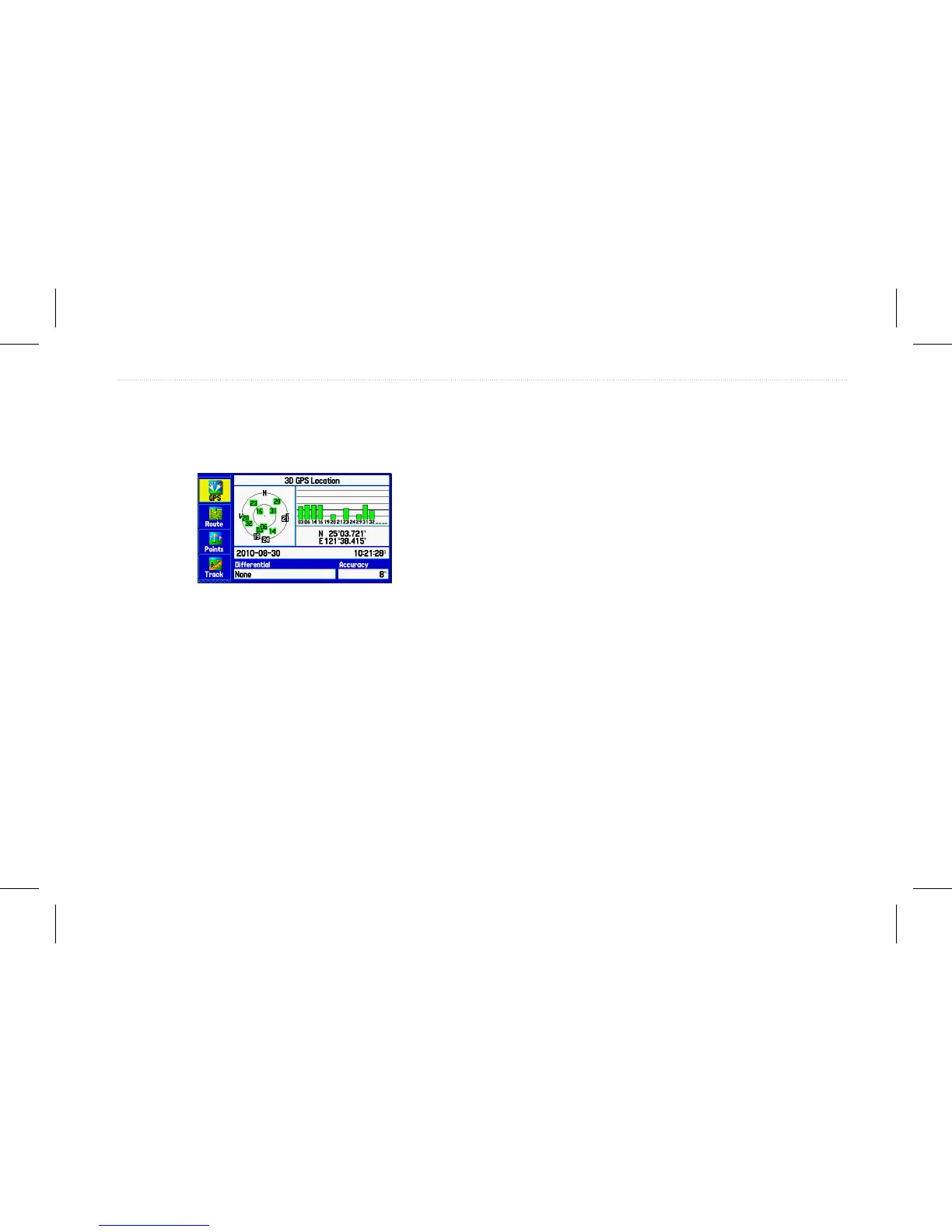
To select a tab from the Main menu:
1. From any page, press Menu twice to open the Main menu.
2. Highlight the appropriate tab. The information for the
highlighted tab automatically appears on the right. To
highlight a sub tab, press left or right on the Rocker, and
then press up or down to select individual elds.
Main Menu Tabs
• GPS—allows you to view satellite information.
• Route—allows you to create and navigate routes.
• Points—allows you to view stored waypoints.
• Track—allows you to record and save tracks.
• DSC—allows you to set up digital select (DSC) calling
features.
• Sonar—allows you to congure sonar options.
• Alarms—allows you to dene alarm settings.
• Calendar—allows you to view sun/moon and hunting/shing
information for a specic day.
• Celestial—allows you to view tide, hunting & shing, and
sun & moon information.
• Message—allows you to view system generated messages.
• Display—allows you to adjust the backlight and page display.
• Sound—allows you to customize GPSMAP 580/585 sounds.
• Setup—allows you to adjust system settings.
GPSMAP 580/585 Owner’s Manual 49
Main Menu


 To Next Page
 Loading...








