B.3.3.2 Wave Files
Additionally sound files can be uploaded to the already installed sound files. The data
format of the sound files is WAV.
Click on the button Wave Files .
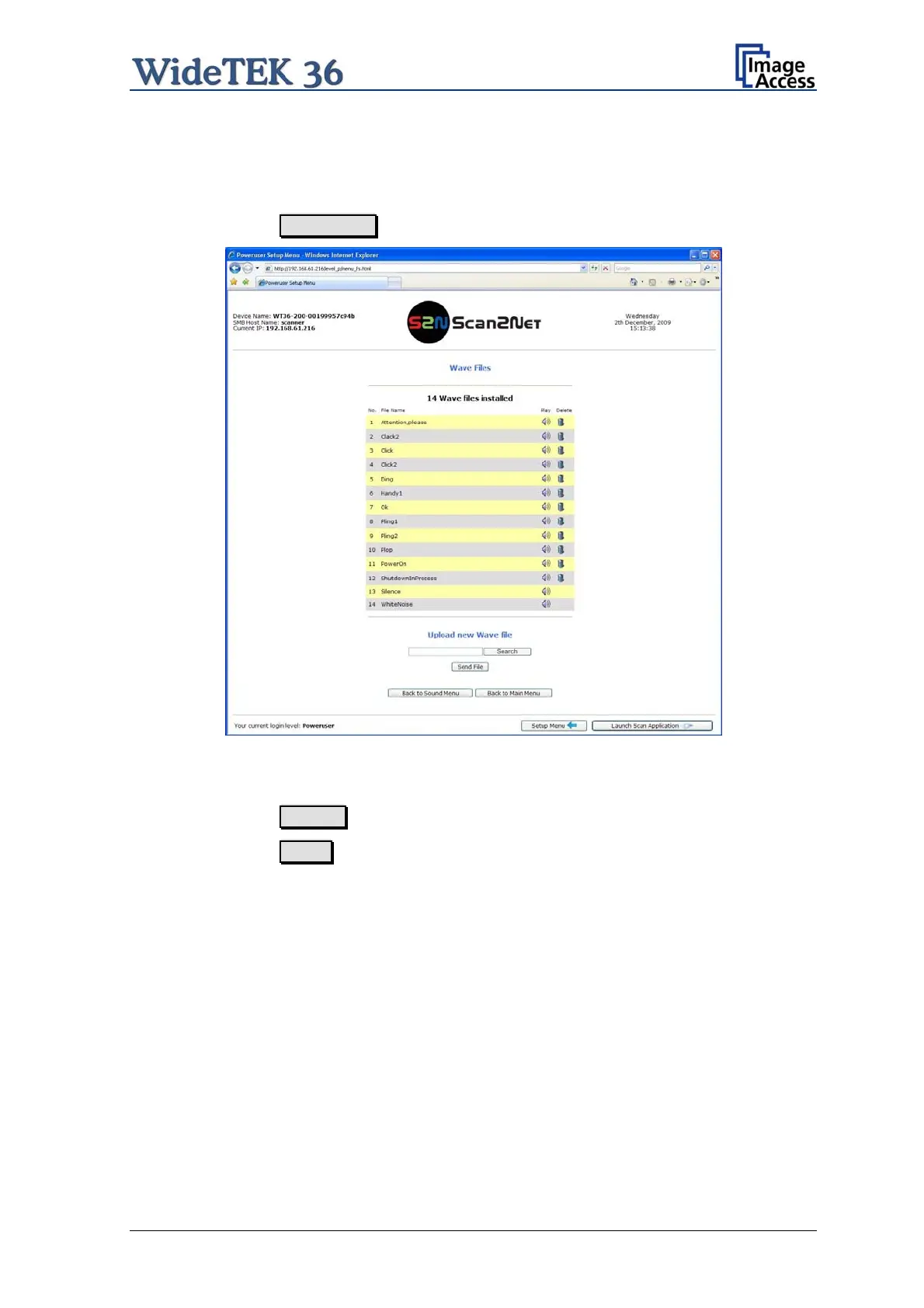
Picture 39: List of sound files
The list of the installed sound files will be displayed.
Click on the button Search to search for the desired WAV sound files.
Click on the button Send to upload the files to the scanner.
Setup and Assembly Manual Page 41



 To Next Page
 Loading...






