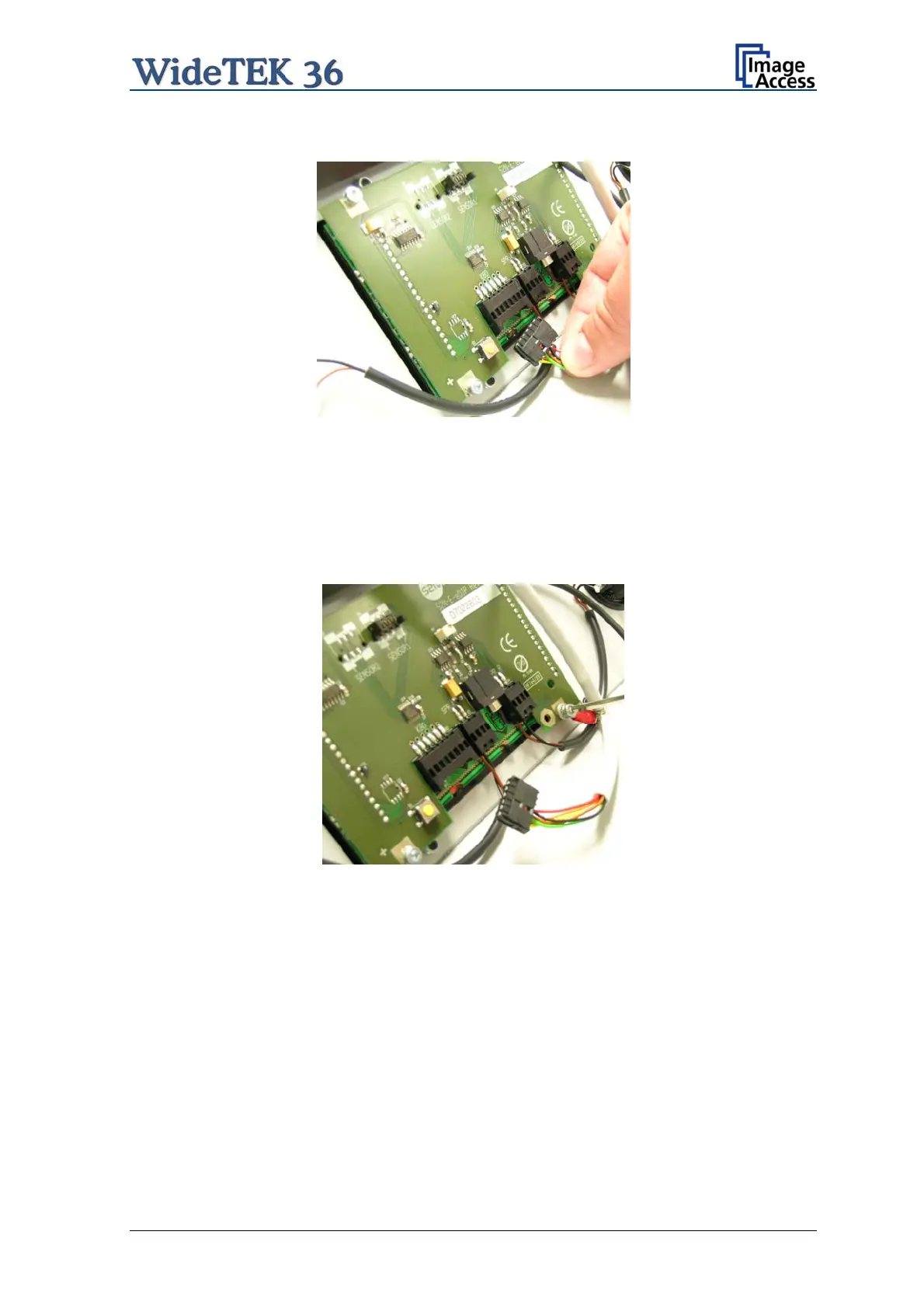
Picture 60: Controller connector
To open the last connector a hexagon ball shaped head screwdriver, size 2,5 mm, must
be used.
Notice the order of the elements on the screw: Lock washer Cable connector lock
washer.
This order must be the same when reconnecting the cables to the TFT display.
Picture 61: Cable connector
When all cables are disconnected, the main cover can be removed from the document
table.
Setup and Assembly Manual Page 55


 To Next Page
 Loading...






