Basics
55
•
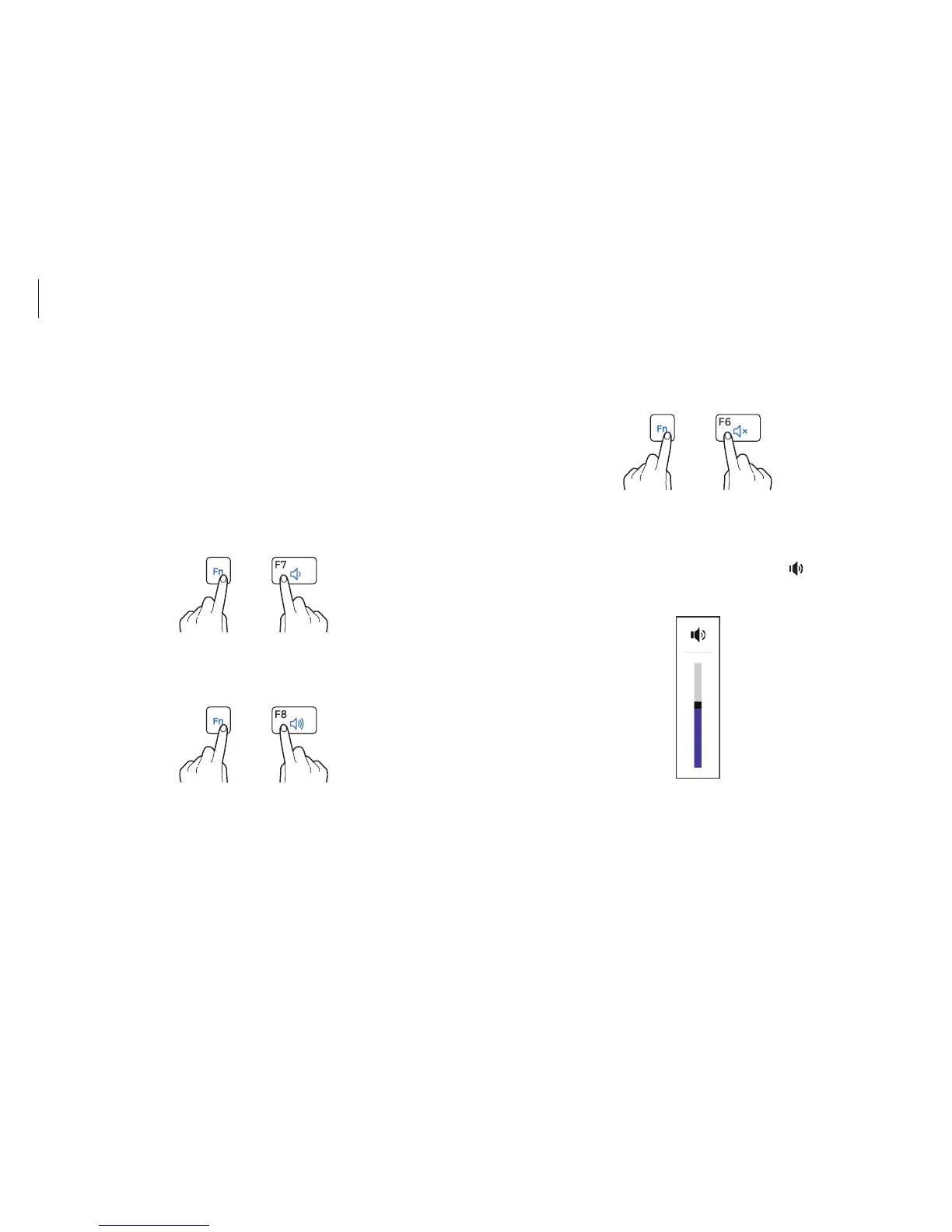
To mute or unmute the volume, hold down the Fn key and
press the
F6
key.
+
Controlling with Charms
Open the Charms, select the
Settings
charm
→
, and drag the
slider.
Volume
Adjust the system volume or sound volume when playing music
or video.
Controlling with keyboard
•
To turn down the volume, hold down the Fn key and press the
F7
key.



 To Next Page
 Loading...








