3.10 .2.1 Main Speaker No Sound
80
Check Speaker Harness
Connectivity
Speaker Impedance
≠ 6~8 Ω
No Sound
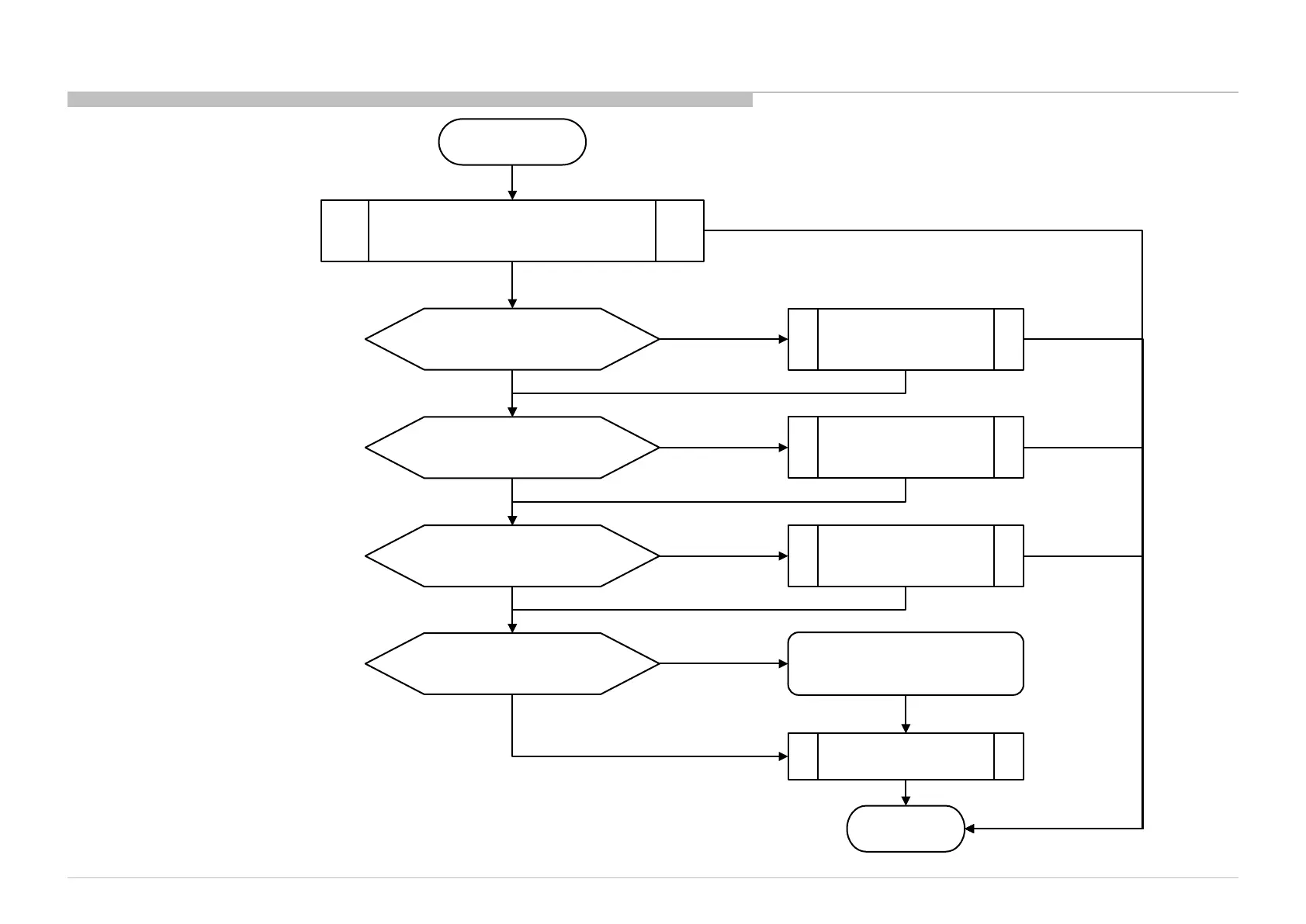
START
Check Main Speaker Impedance
Check fuse connectivity
at F3101
DONE
Change B-board
Main IC (IC5000) or
Audio IC (IC3101) problem
No connectivity for
speaker harness
No Sound
No Sound
Sound
Sound
No connectivity of
F3101
No Sound
No Sound
Change Speaker Harness
Change Main Speaker
F3101 broken,
Replace F3101
Sound
No Sound & F3101 OK
Sound
No Sound & F3101 OK
Do a Factory Setting &
set to desire channel with sound
No Sound
Check I2S lines short to GND?
(BCLK, LRCLK, SDATA0)
Any I2S line
short to GND
No Sound & I2S lines no short to GND
3.10 .2 Troubleshooting detail audio problem


 To Next Page
 Loading...