User Manual 8 Web Interface
41
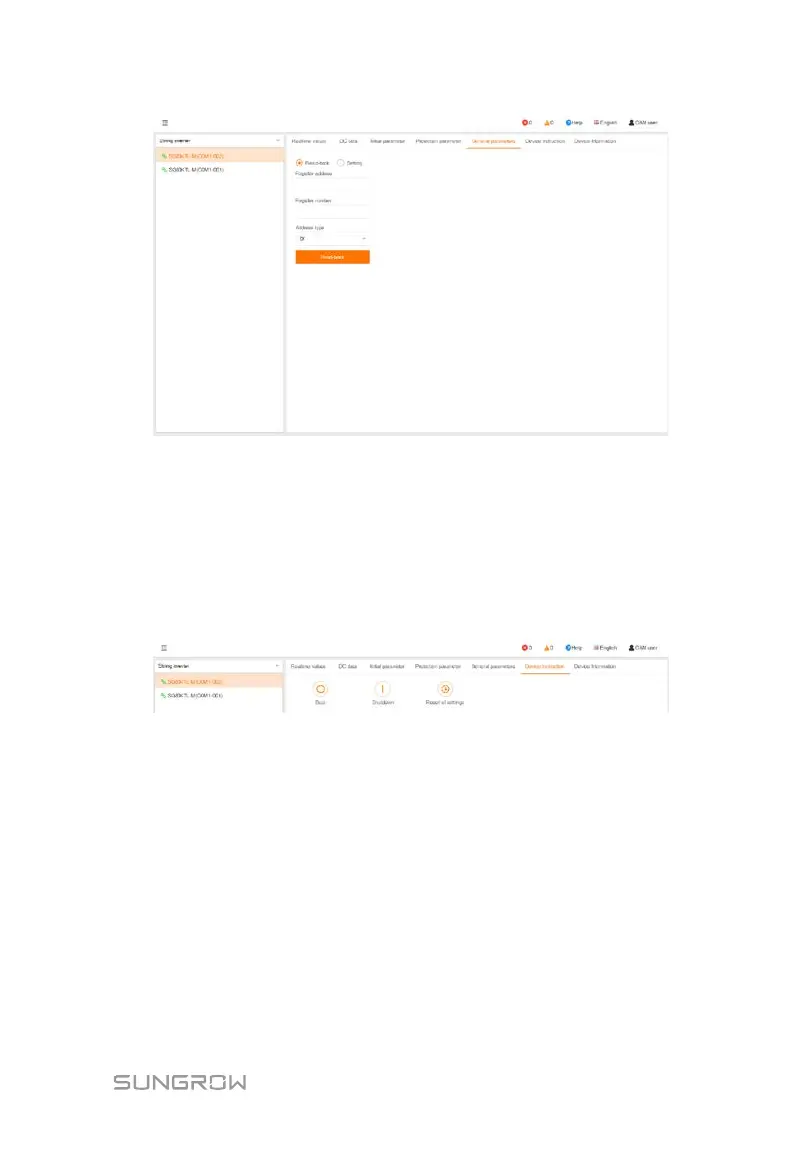
Select "Read-back", set register address, register number, and address type, and click
the button "Read-back", to read the current value of the device.
Select "Setting", set register address, data type, and set value, and click the button
"Save", to set device parameters.
8.8.6 Device Instruction
Click "Device monitoring" -> "Device instruction" to enter the corresponding
interface.
On this interface, users can start/stop the device or restore factory setting.
8.8.7 Device Information
Click "Device Monitoring" -> "Device Information" to view the corresponding
information.


 To Next Page
 Loading...




