9 Grid Dispatching Function User Manual
60
S1
S7
S6
S5
S4
S3
S2
S8
15K
DRED
2
3
4
5
R
C
Logger1000
The DRM interface requires that the inverter can be connected to the DRED via the
corresponding wiring terminal or RJ45 connector.
9.3 Power Control
Power regulation includes active power control and reactive power regulation.
9.3.1 Active Power
Disable
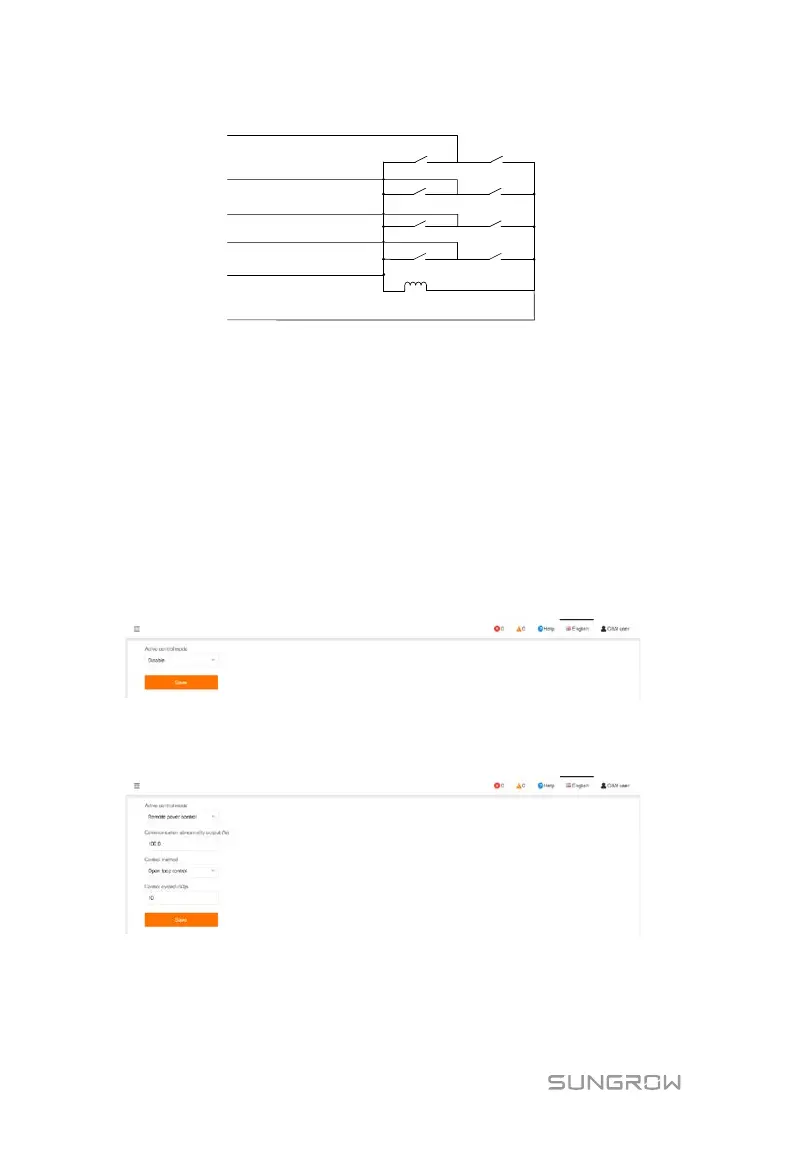
Click "Power control" -> "Active power" to enter the active power interface.
Set the active control mode to "Disable", to forbid active power derating.
Remote power control
If the Logger1000 is disconnected from the background, set the active control mode
to "Remote power control".
Communication abnormality output (%): Abnormality of delivering specified data.


 To Next Page
 Loading...




