9 Grid Dispatching Function User Manual
66
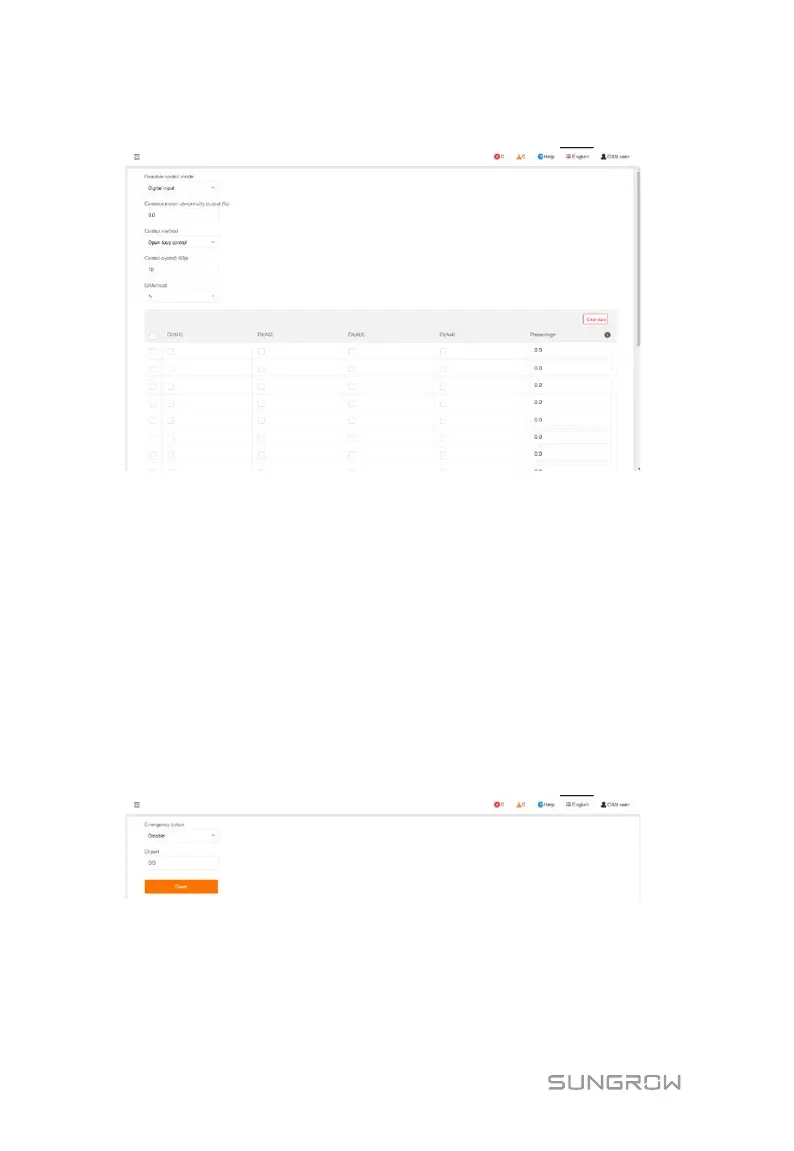
Digital input
Set the reactive control mode to "Digital input".
Control method includes "Open loop control" and "Closed-loop control".
Q-Method is "%".
Add digital input manner
Tick the checkbox, select the desired DI channel, fill in the "Percentage ", and click
"Save".
Delete digital input manner
Select a digital input manner that needs to be deleted, and click "Clear data".
9.3.3 Emergency Button
Click "Power control" -> "Emergency button" to enter the corresponding interface.
Set the emergency button to "Enable" or "Disable".


 To Next Page
 Loading...




