54
7 LCD Operation
7.1 Button Function
The inverter offers two buttons. Please refer to the following table before any
operation of the inverter.
Tab. 7-1 Button Function
Risk of burns due to hot components!
Do not touch any hot parts (such as heat sinks) during operation. Only
the LCD panel and the DC switch can be safely be touched at any time.
If there is no button operation for:
1 minute, LCD backlight will be automatically deactivated;
2 minutes, system will return to the default menu (main screen).
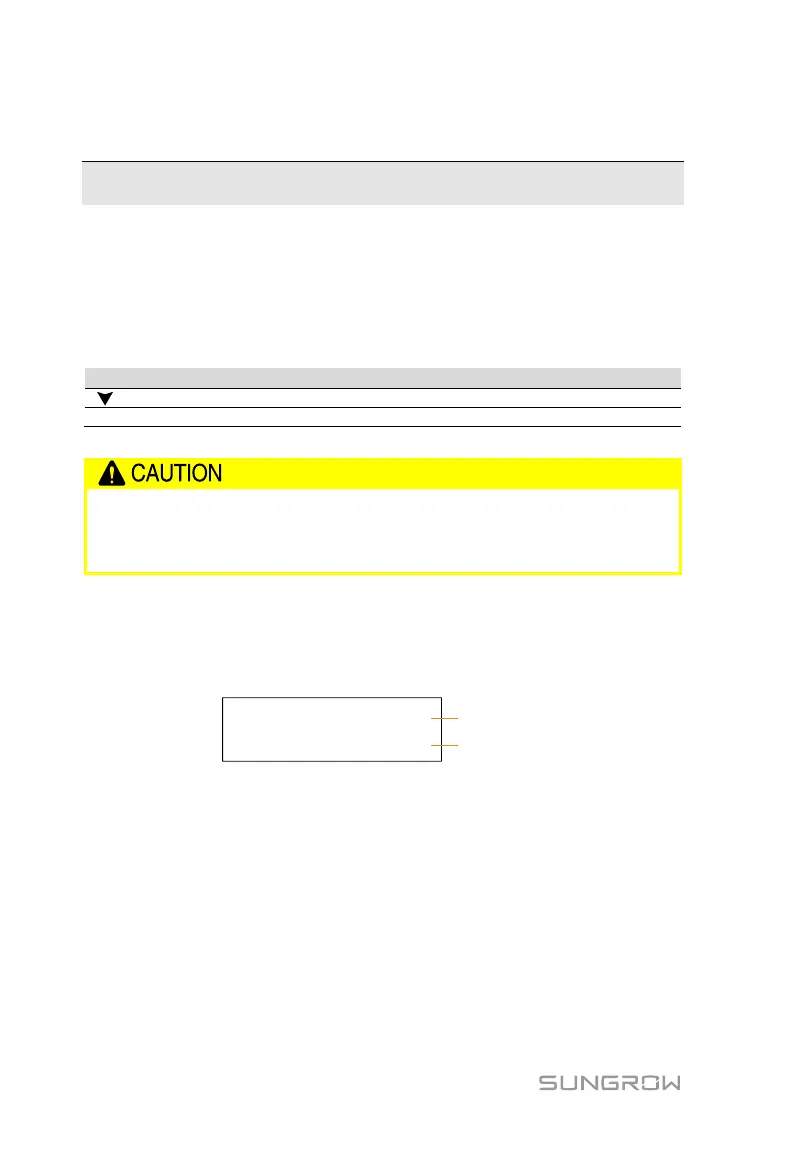
When there is no button operation for more than 8 seconds on the main screen,
the displayed information will automatically cycle through to provide additional
data: Main screen, energy, PV data, utility grid data. The screen will cycle every
2 seconds. Press any button to quit this mode.

 To Next Page
 Loading...