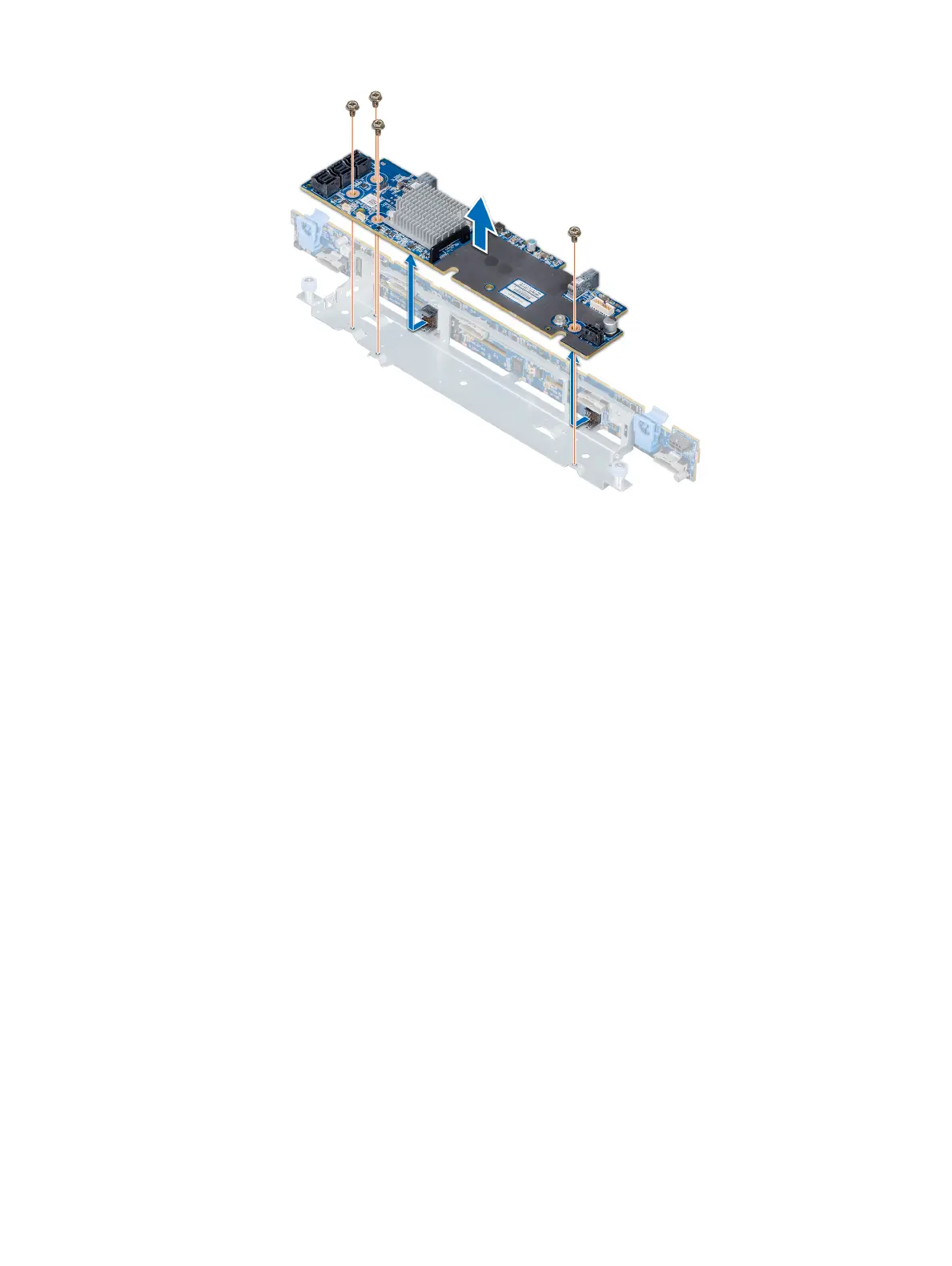
Figure 93. Removing the SAS expander card
Next step
Install the SAS expander card.
Installing the SAS expander card
Prerequisite
Follow the safety guidelines listed in Safety instructions.
Steps
1 Align the slots on the SAS expander card with the standos on the expander card tray.
2 Slide the SAS expansion card until the connectors on the SAS expander card engage with the SAS connectors on the backplane.
3 Using Philips #2 screwdriver, tighten the screws to secure the SAS expander card to the expander card tray.
142
Installing and removing system components


 To Next Page
 Loading...











