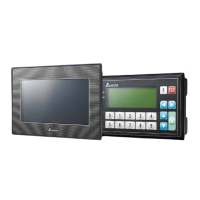
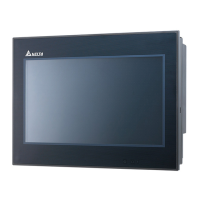
TP70P-211LC1T/TP04P-20EXL1T Operation Manual
4-2
4.1 Installation
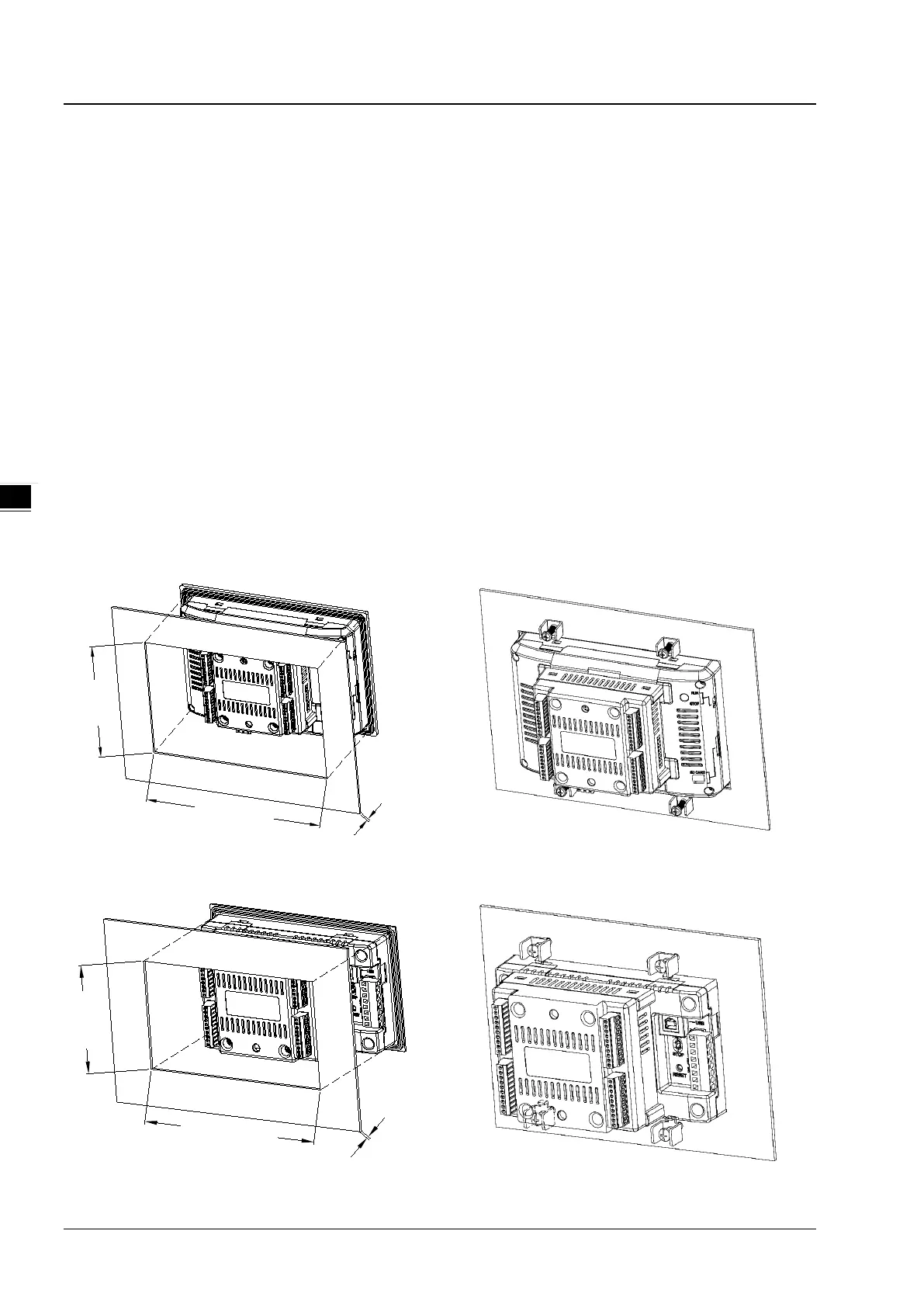
Install TP70P-211LC1T / TP04P-20EXL1T in a control panel. Put TP70P-211LC1T / TP04P-20EXL1T into the control
panel and use the enclosed fasteners and screws for a more secured installation. The required torque for tightening a
screw should be less than 2.75 kg-cm; do NOT exceed 2.75 kg-cm to avoid damaging the panel. TP70P-211LC1T /
TP04P-20EXL1T is water resistant to IP66 / NEMA4 standard but Delta Electronics warranty does NOT cover if the
installation is NOT correctly complete.
Notes: Only the front panel is guaranteed by ingress protection rating. The control panel itself must comply with the testing
conditions required by the applied ingress protection rating.
(EN) CAUTION: FOR USE IN A CONTROLLED ENVIRONMENT.
(FR) ATTENTION: À N'UTILISER QU'EN ENVIRONNEMENT CONTRÔLÉ
Follow the storage suggestions below.
1. Do NOT install TP70P-211LC1T and TP04P-20EXL1T in a location subjected to airborne dust, metallic particles, oil
smoke, or corrosive / flammable gases.
2. Do NOT install TP70P-211LC1T and TP04P-20EXL1T in high-temperature, relative humid or condensing location.
3. Install TP70P-211LC1T and TP04P-20EXL1T on a solid and durable surface to avoid shocks or vibrations.
TP70P-211LC1T
127.1
~
128.0
190.1~191.0
0.5~4.0
Unit: mm
TP04P-20EXL1T
95.5
~
97.0
162.7~164.0
0.5~4.0
Unit: mm


 To Next Page
 Loading...