GFC 600 AFCS Part 23 AML STC Maintenance Manual Page 45
190-01938-00 Revision 13
8.3 GFC 600 System Configuration
Configure the GFC 600 AFCS to the original configuration settings which are retained with the
aircraft permanent records. Additionally, it is required that all interfaced units be configured to
the original configuration settings which are retained with the aircraft permanent records.
Each configuration item is saved to the configuration module or ADM (if installed) as it is made.
When the configuration item is selected by pressing the VS button to accept the value, the new
value is stored in the configuration module or ADM at that time.
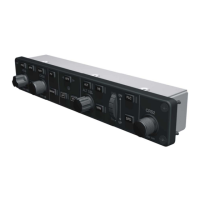
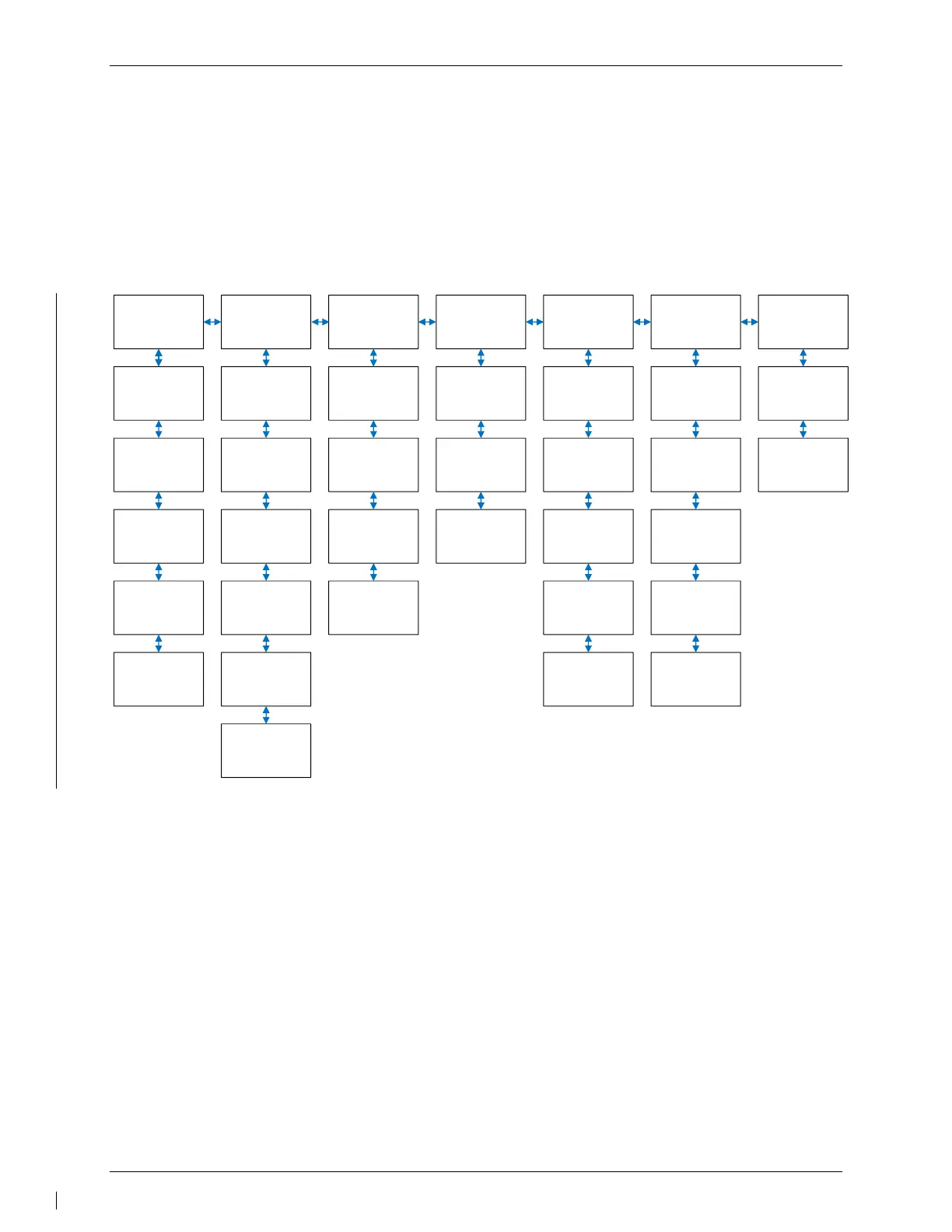
The following is a block diagram of the GMC 605 configuration pages:
SYS
(System)
PROD
(Product
Information)
GMC DSP
(GMC Display
Settings)
RMT DSP
(Remote Display
Settings)
GFC
(Status and
Operations)
I/O
(I/O Status)
TEST
(System Tests)
STATUS MAIN BOARD BACKLGHT BACKLGHT AHRS RS-232 AUDIO
INSTALL DISP BOARD LIGHTBUS LIGHTBUS ADC RS-485 KEYS
ASSERTS AHRS PHOTOCEL PHOTOCEL ADM
ARINC 429DATALOGS SERVOS CONTRAST SERVOS
DISCRETERMT ANNUNC
MANIFEST
CALIBRATE
CAN
SW UPLOAD
Figure 8-1 – Configuration Pages Block Diagram
NOTE:
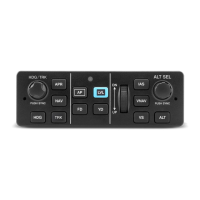
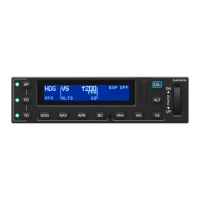
To start the GMC 605 in configuration mode, ensure the system is de-energized, then press and
hold the FD button while applying power to the system. Release the FD button when the splash
screen is displayed. Press the HDG button when CONT is displayed on the GMC 605.
Use the NOSE UP/DN thumbwheel on the GMC 605 to scroll up and down through the page
selections. Use the IAS and VS buttons on the GMC 605 to move the cursor to the left or right,
respectively. The VS button is also used to accept the desired selections.
Only the SYS -> INSTALL, GMC DSP, RMT DSP, and GFC -> CALIBRATE pages are used for
configuring the system. All of the other pages displayed while in configuration mode provide
system information that is useful for maintenance and troubleshooting.
To exit configuration mode, cycle power to the GFC 600 system.


 To Next Page
 Loading...