150
7.2 Review Stored Data
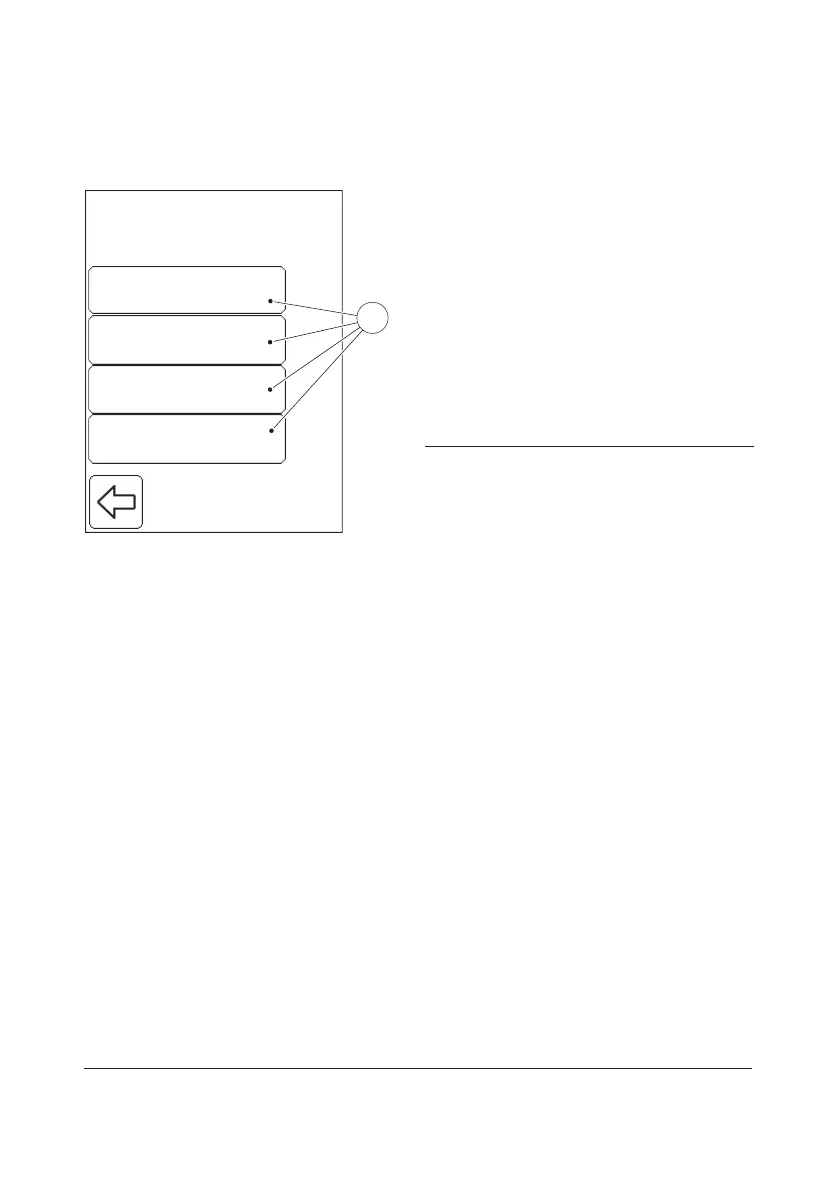
FIGURE 7-5
When the Review button is pressed in the
Stored Data menu (see FIGURE 7-4), the
following options are displayed:
• All Data (see 7.2.1 Review All Data)
• PAT/STAT (see 7.2.2 Review PAT/STAT)
• QC Test (see 7.2.3 Review QC Tests)
• Analyzer Log (see 7.2.4 Review Analyzer
Log)
a) Select an option by pressing it.
1 Review option buttons
Liquid ControlsAll Data
Cuvette BatchesPAT/STAT
Define OperatorsQC Test
Review
Define CommentsAnalyzer Log
1


 To Next Page
 Loading...









