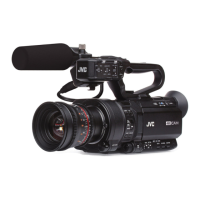
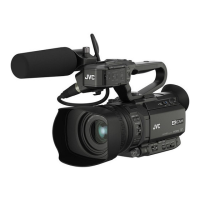
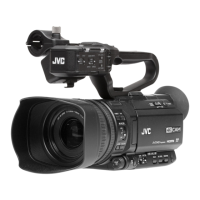
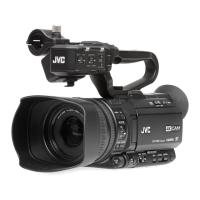
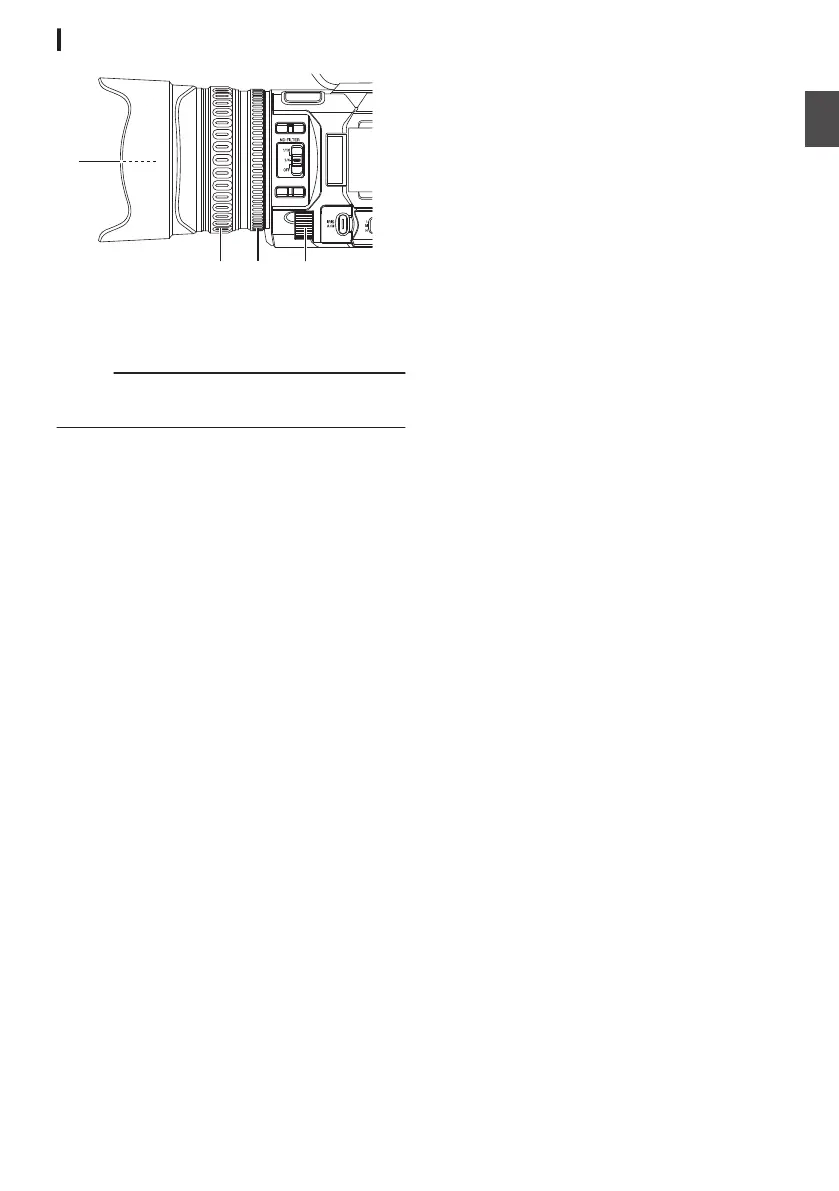
Lens Section
.
A
Filter Built-In Screw
0
Transparent or UV filter for lens protection, or
filters for various effects can be installed.
0
Installable filter types: Φ62 mm P0.75
Memo :
0
Remove the lens hood when installing the filter.
(A P28 [Attaching/Detaching the Hood] )
B
Focus Ring
(A P50 [Focus Operation] )
C
Zoom Ring
(A P49 [Zoom Operation] )
You can set different functions for the zoom ring
and iris dial in [Main Menu] B [Camera
Function] B [Zoom Ring].
(A P97 [ Zoom Ring ] )
D
Iris Dial
(A P55 [Adjusting the Iris] )
You can assign the dial for “Shutter” or “AE
Level” adjustment in [Main Menu] B [Camera
Function] B [Iris Dial].
(A P97 [ Iris Dial ] )
Names of Parts
25
Introduction


 To Next Page
 Loading...