46 TRAX ZP-AJ01E AJ0383DE
6 DATA HANDLING AND REPORTING
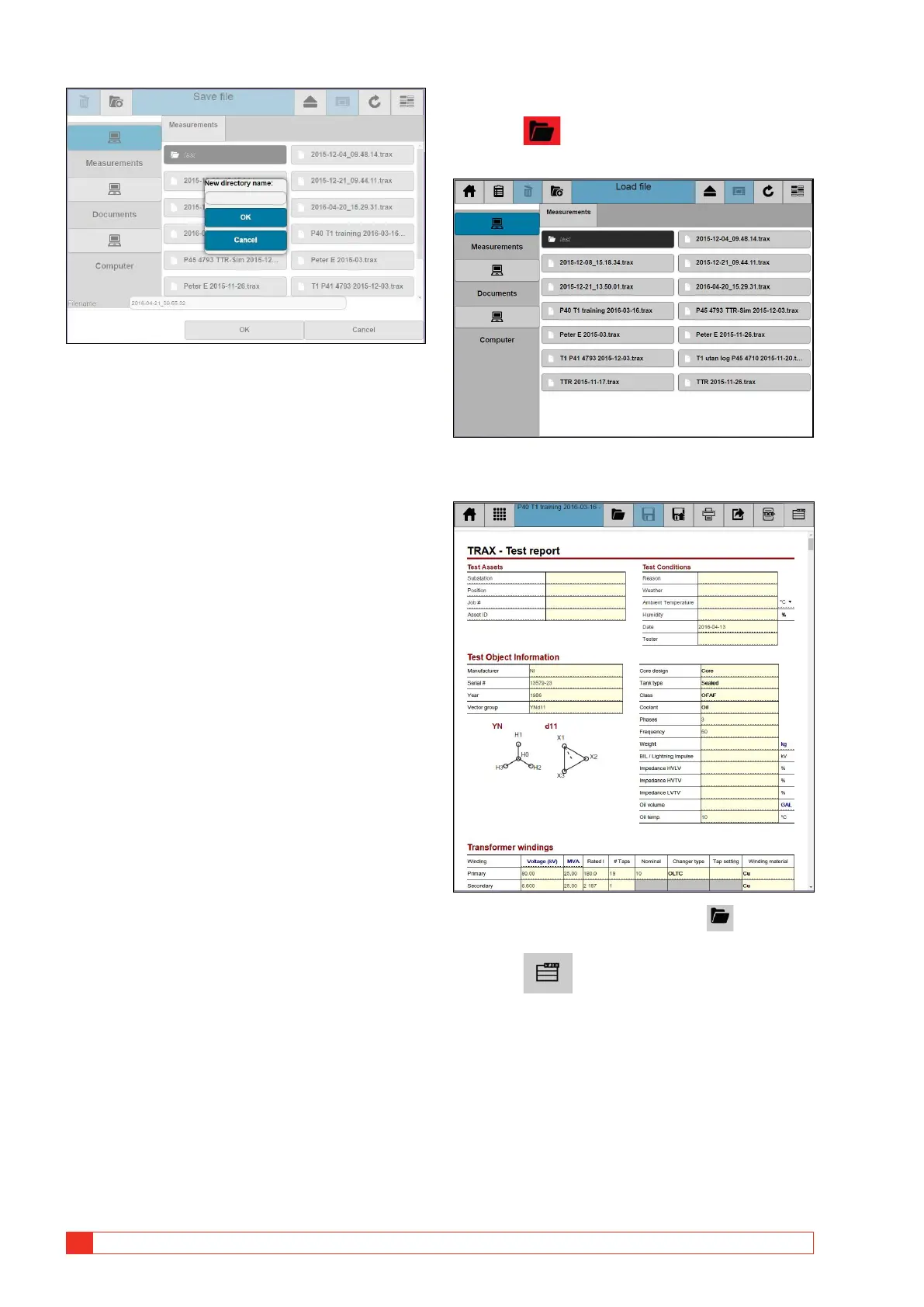
8] Enter new directory name and press OK.
9] Press “Filename” to enter the name.
10] Press “OK” button to save the file.
6.4 Load file
1] Press
The “Load file” window will be shown.
2] Select test report to open.
3] To select another report, press to select
report/file.
4] Press to enable the action buttons, see “Ac-
tion buttons” on page 45.


 To Next Page
 Loading...










