164
Protecting images (Protect)
You can protect images against accidental erasure.
To cancel the protection of all the images or movies
You can cancel the protection of all the images or movies by the same view
mode currently displayed.
MENU button t 1 t [Protect] t [Cancel All Images],
[Cancel All Movies(MP4)] or [Cancel All AVCHD view files]
1 MENU button t 1 t [Protect] t [Multiple Img.]
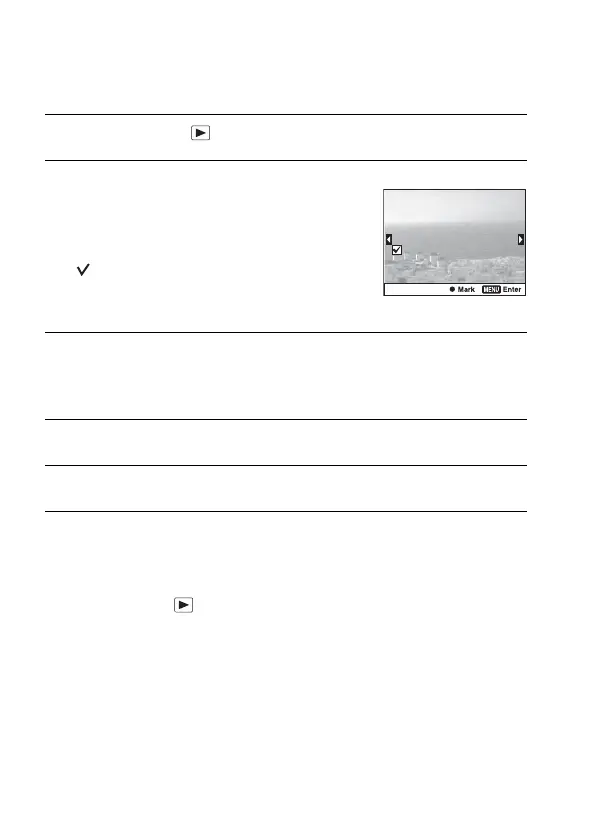
2 Select the image you want to
protect with b/B on the multi-
selector, then press the center of
the multi-selector.
A mark is put in the check box.
• To cancel a selection, press the center
again.
3 To protect other images, repeat step 2.
• You can select all the images in the folder by selecting the bar on the left of
the image index screen.
4 Press the MENU button.
5 Select [OK] with v, then press the center of the multi-selector.



 To Next Page
 Loading...









