XO FLEX – Instructions for use Operation
13
In case of emergency, use this switch to turn off the unit.
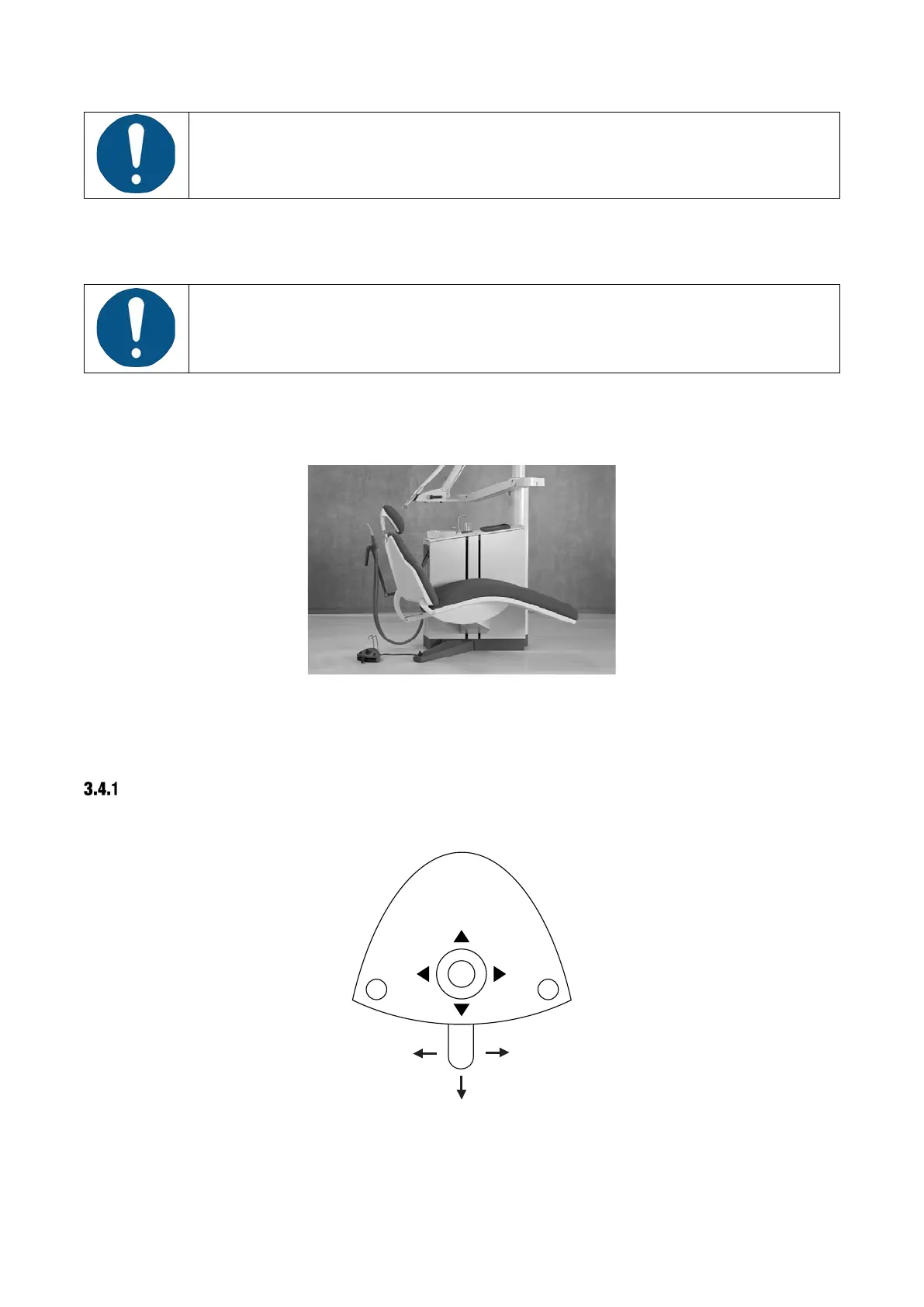
3.3 INSTRUMENT BRIDGE IN PARKING POSITION
Always place the instrument bridge to the left of the unit when the patient is
accessing the chair as shown in Figure 4.
In this position, the patient does not see the instruments when getting in and out of the chair and
the bridge will be easily accessible for cleaning and disinfection.
Figure 4 – Position of instrument bridge for optimal patient access to chair
3.4 FOOT CONTROL
FUNCTION
XO FLEX is controlled hands free by using the foot control – see Figure 5 – and the chair base
joystick – see Figure 6.
Figure 5 – Foot control
The foot control has:
• a pedal that can be moved to the right (⮕), to the left (⬅) and pressed down (⬇)


 To Next Page
 Loading...

