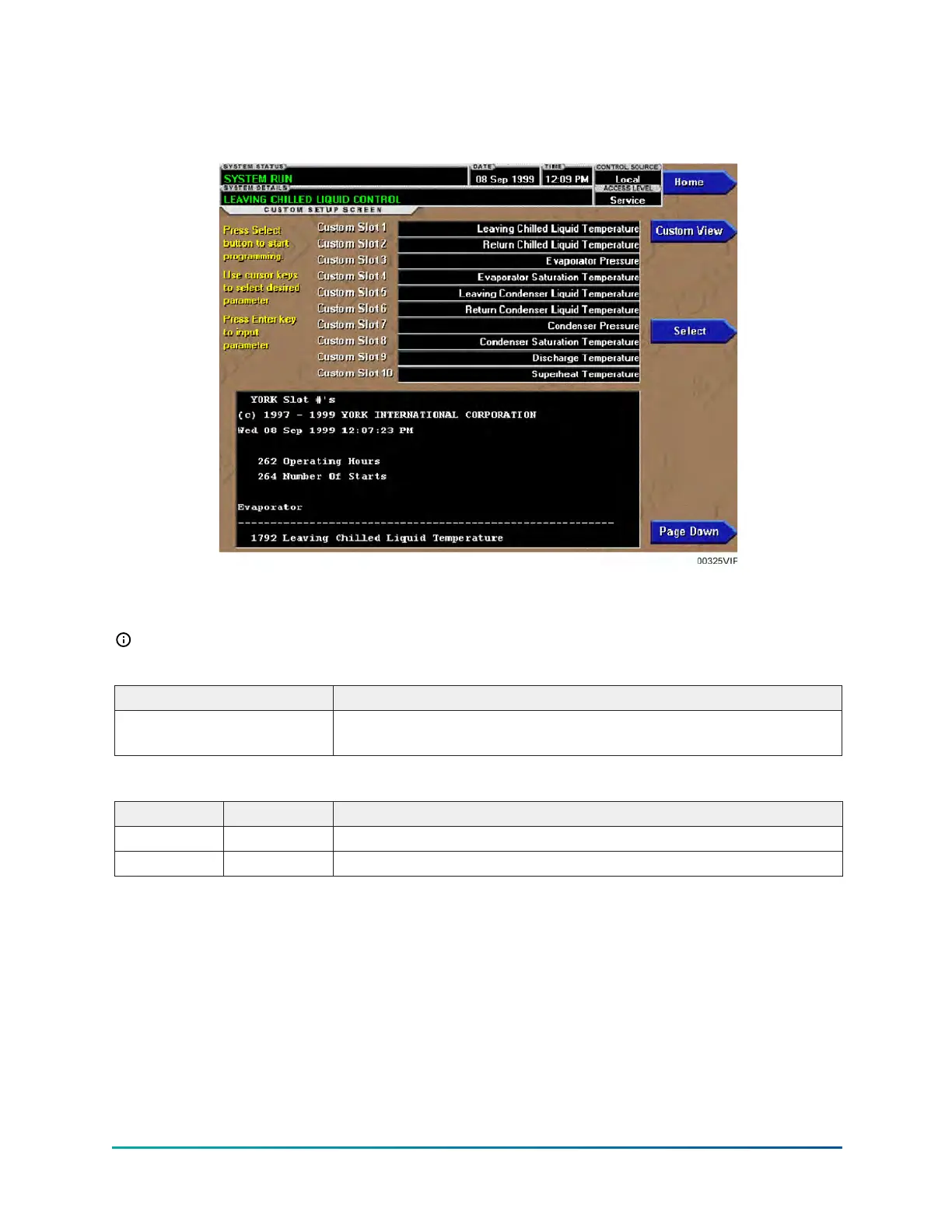
Custom view setup screen
Figure 64: Custom view setup screen
This screen allows the Service Technician to select up to 10 parameters for display on the CUSTOM
VIEW Screen.
Note: Requires a login access level of SERVICE.
Table 182: Display only
Field/LED name Description
Slot numbers
Lists the available parameters that can be displayed. The desired
parameters for display are selected from this list.
Table 183: Navigation
Button Access level Description
Home View Returns user to HOME Screen.
Custom View Service Returns user to CUSTOM VIEW Screen.
YK-EP Style B Centrifugal Chiller174


 To Next Page
 Loading...