3-SETUP
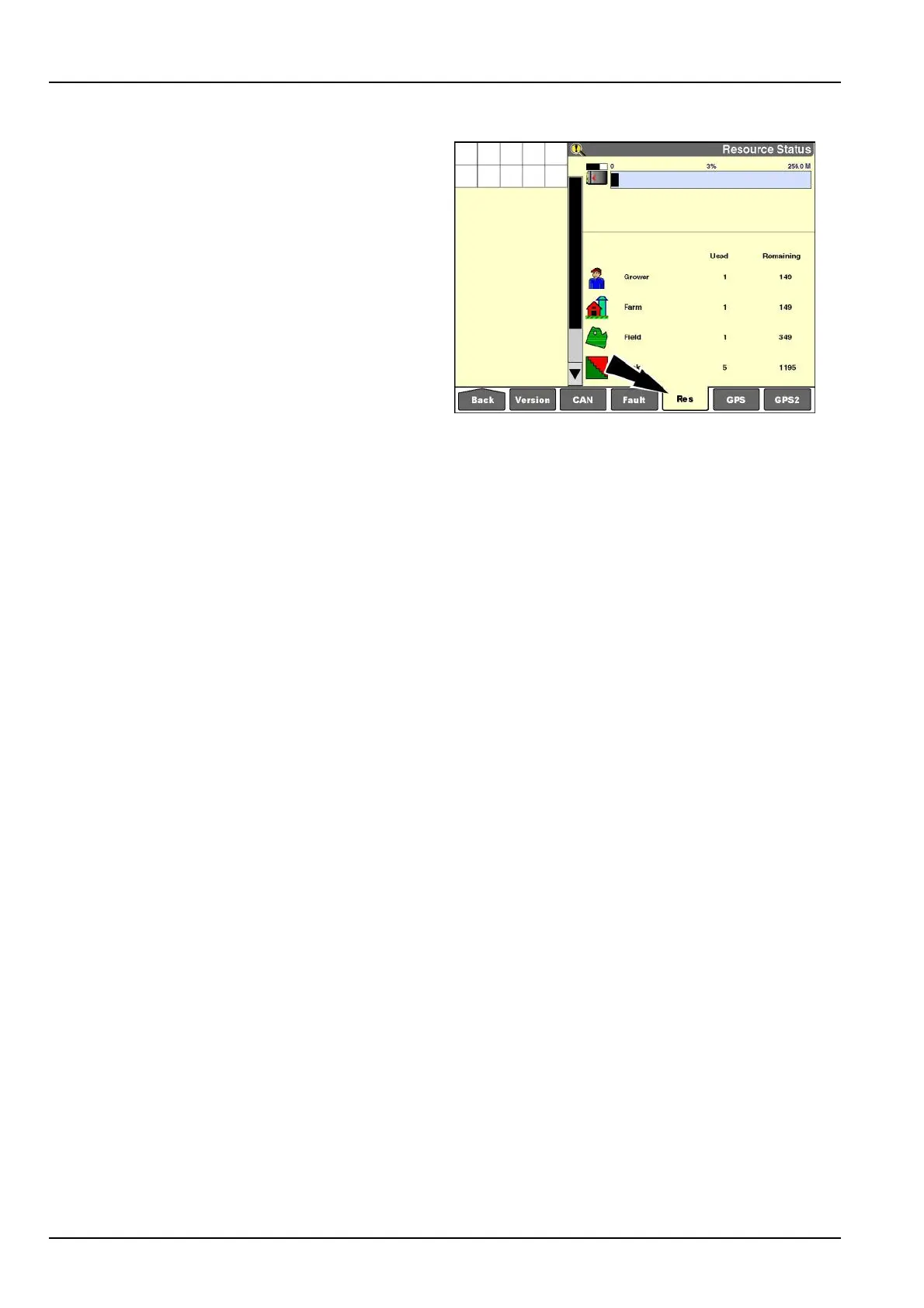
"ResourceStatus"screen
Pressthe“Res”(resources)icononthenavigationbarto
displaythe“ResourceStatus”screen.
Usethe“ResourceStatus”screentodeterminewhether
theavailableresourcesandmemorystickcapacityare
sufcientfortoday’splannedwork.Thebargraphshows
thetotalstorageavailableandthepercentusedonthe
installedmemorystick.
Theresourceusagewindowsshowusageandavailability
foreachdatatype.Eachmemorystickmaycontain:
•
150growers
•
150farms
•
350elds
•
1200tasks
•
100tags
•
250products
•
50containers
•
2000autoguidanceswaths
RCIL11DSP412BBG1
3-98


 To Next Page
 Loading...
