4-OPERATION
4-OPERATION
DATAMANAGEMENT
Introduction
Thischapterexplains:
•
Howtoimportinformationfromanothervehicle
•
Howtolterthecroptypeinformationforalldisplayandfarmingsoftware
•
Howtodeleteinformationfromdisplaymemoryandthememorystick
•
Howtomanageindividualmapitems
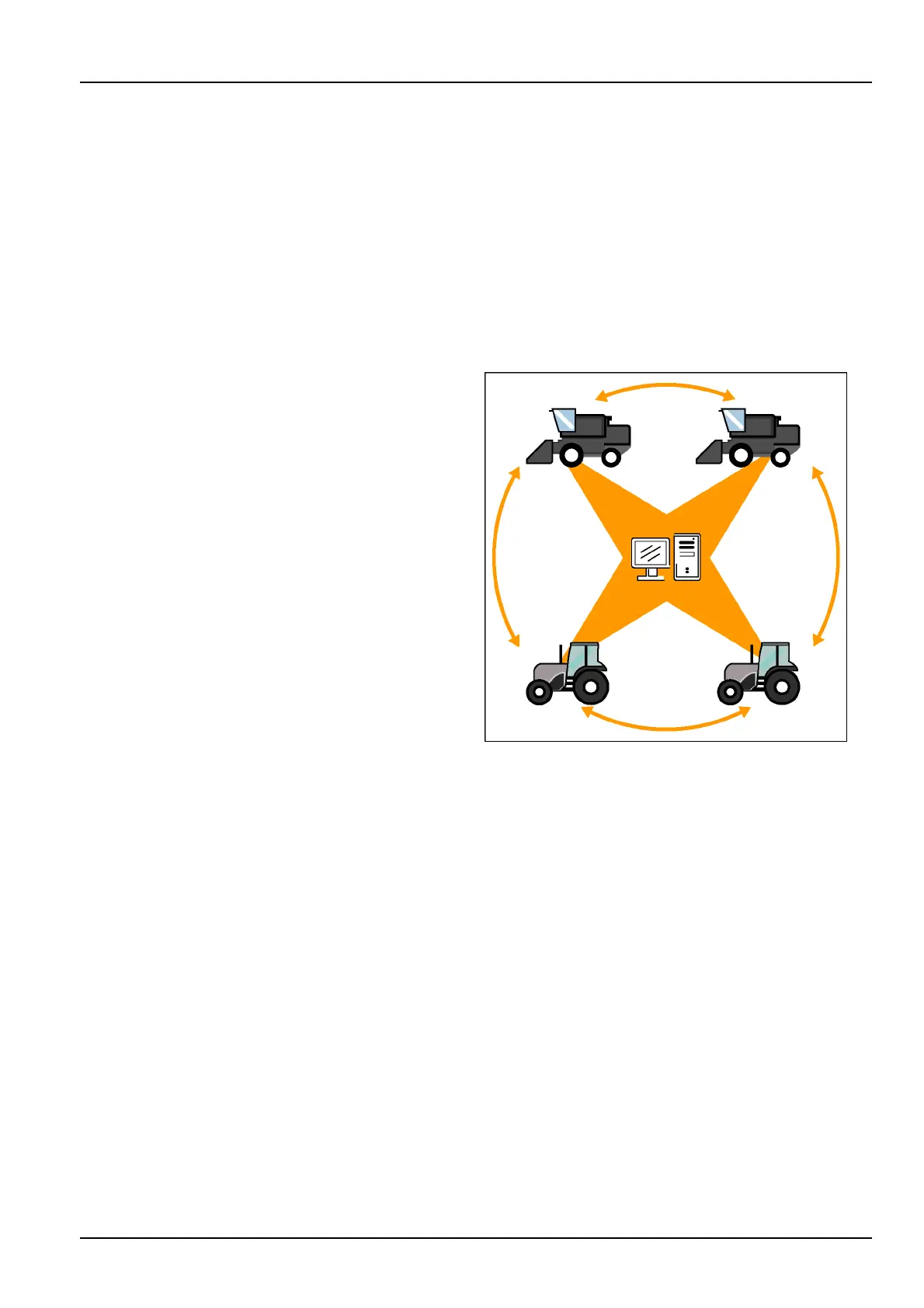
WiththeAFSAFSPro700displays,informationcanbe
shared:
•
Betweenapplications
•
Betweenvehiclesofthesametype(tractortotractor)
•
Betweenvehiclesofdifferenttypes(combinetotractor
andviceversa)
•
Betweenthedisplayandthedesktopsoftware
Theinformationexchangeoccursbysharingthememory
stickbetweenvehiclesand/orthedesktopsoftware.To
accomplishthis,thedisplayandfarmingsoftwareneeds
awaytodifferentiateonevehiclefromanother.
Eachvehiclealreadyhasauniqueidenticationnumber
–itsproductidenticationnumber(PIN)orserialnumber.
Noothervehicle,whetheritisacombine,atractor,ora
sprayer,hasthesamePINorserialnumber.
Thedisplaytransparentlyidentiestheinformationfrom
eachvehicleusingitsPINorserialnumber.
The“VehicleName”windowinthe“Toolbox”screensor
ona“Run”screenallowstheoperatortosupplyamore
friendly,proxynameforthevehicle.Thisproxyvehicle
name,oncecreated,iswhatappearsinthedisplayand
thedesktopsoftware.
NOTE:ThevehiclePINorserialnumberisentereddur-
ingsoftwareinstallationonthedisplay.Ontractors,the
“Vehicle”screen(Home>Toolbox>Vehicle)istheonly
locationwherethePINdisplays.Oncombines,the“Com-
bine”screen(Home>Toolbox>Comb)istheonlyloca-
tionwheretheserialnumberdisplays.Thisfeatureisnot
availableonthegenericvehicletype.
NOTE:The“VehicleName”windowcanbeplacedonany
“Run”screenforoperatorconvenience.
Anyinformationthegrowerwantstosharewithavehicleis
exchangedbyinsertingthememorystickfromonevehicle
intothedisplayontheothervehicle.
RCIL11DSP171BBG1
4-1


 To Next Page
 Loading...
