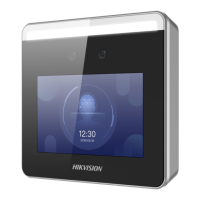
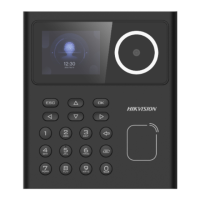
Chapter 5 Acvaon
You should acvate the device before the rst login. Aer powering on the device, the system will
switch to Device Acvaon page.
Acvaon via the device, SADP tool and the client soware are supported.
The default values of the device are as follows:
●
The default IP address: 192.0.0.64
●
The default port No.: 8000
●
The default user name: admin
5.1 Acvate via Device
If the device is not acvated, you can acvate the device aer it is powered on.
On the Acvate Device page, create a password and conrm the password. Tap Acvate and the
device will acvated.
Figure 5-1 Acvaon Page
DS-K1T320 Series Face Recoginon Terminal User Manual
11


 To Next Page
 Loading...