BASIC
Version 1.0, 02/2015. Copyright 2012 Hitron Technologies
73
Version 1.0, 02/2015. Copyright 2014 Hitron Technologies
73
Hitron CGNVM User’s Guide
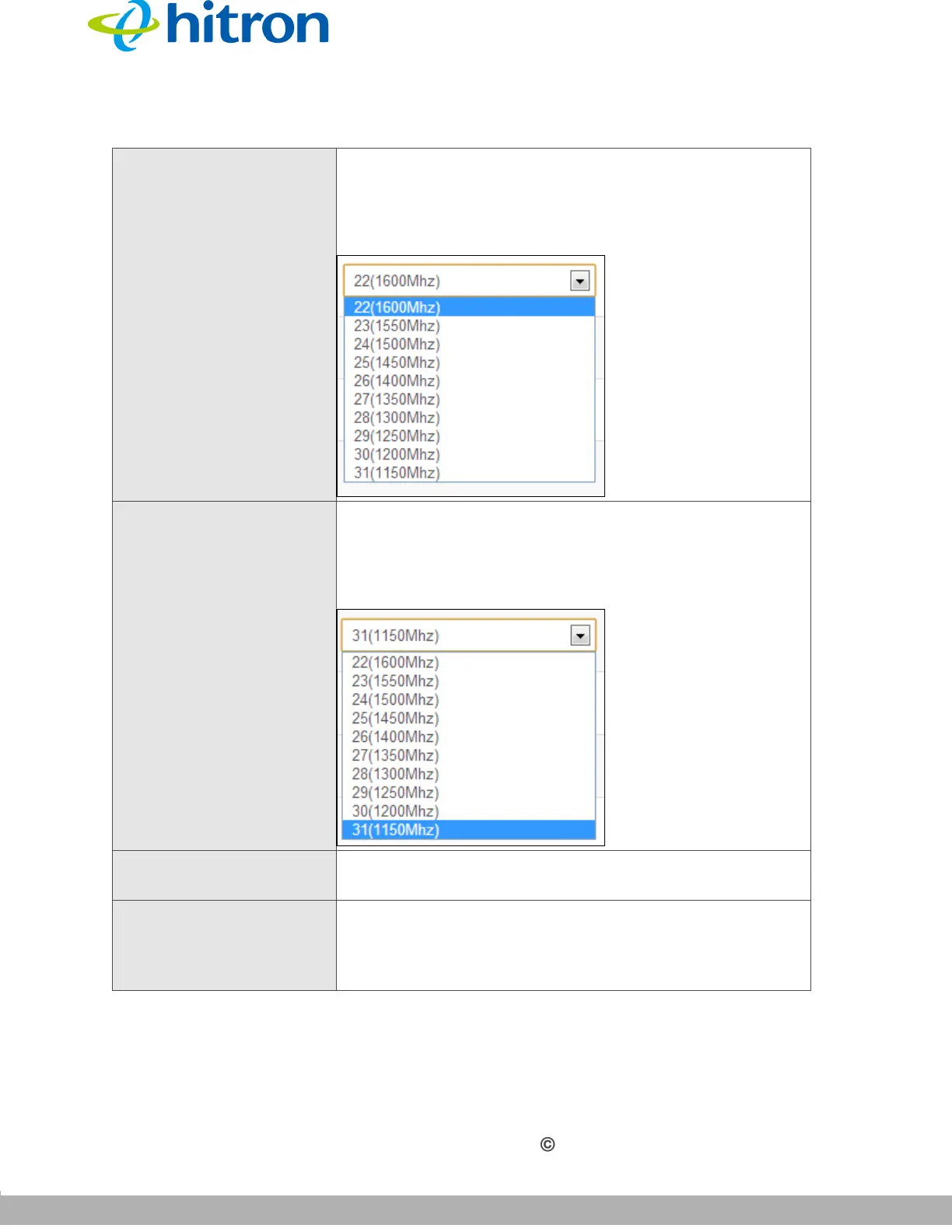
Scan Range (Start) If you selected SCAN in the Channel field, use this field
to select a channel at which the CGNVM should start
scanning for a connection on the cable network.
Figure 30: Scan Range (Start)
Scan Range (End) If you selected SCAN in the Channel field, use this field
to select a channel at which the CGNVM should stop
scanning for a connection on the cable network.
Figure 31: Scan Range (End)
TxPower Use this field to set the power at which the CGNVM
transmits (TX) over the cable network, from 0 to 10.
Beacon Pwr Level Use this field to set the CGNVM’s beacon power on the
cable network, from 0 to 10. The MoCA beacon allows
other devices on the cable network to detect the
CGNVM.
Table 22: The Basic: MoCA Screen (continued)



 To Next Page
 Loading...










