28
5 BASIC OPERATION
■ TV channel operation
TV channel operation is available only when TV channels are
programmed using the optional RS-91.
(p. 122) Also available
for A band operation only.
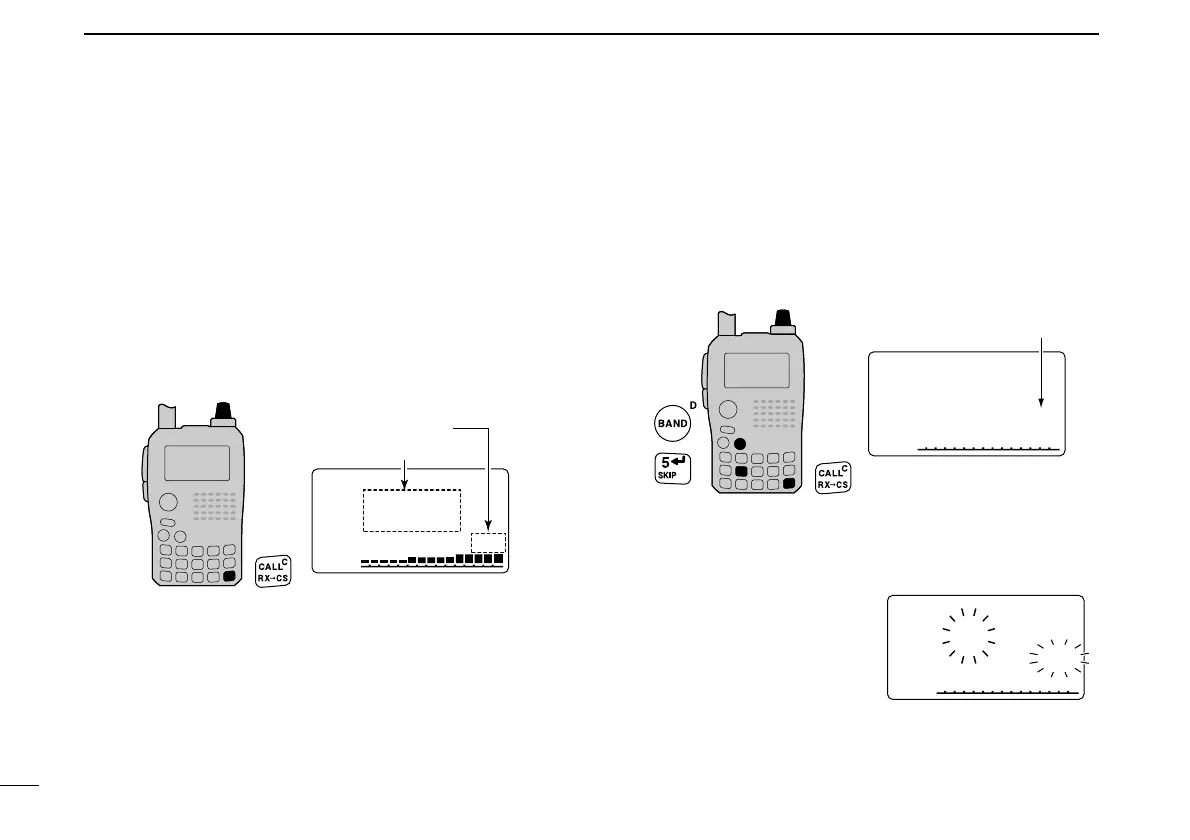
D TV channel receiving
q Push [CALL] several times to select TV channels.
•“TV” and channel number appear.
w Rotate [DIAL] to select the desired channel.
• While pushing and holding [BAND], rotating [DIAL] selects the
all channels including skip channel.
D Skip channel setting
Unwanted channels can be skipped for rapid selection, etc.
q Push [CALL] several times to select TV channels.
•“TV” and channel number appear.
w Rotate [DIAL] to select the channel to be skipped.
• To clear the skip setting, rotate [DIAL] while pushing and holding
[BAND] to select a skip channel.
e Push and hold [SKIP](5) for 1 sec. to toggle the skip set-
ting ON and OFF.
•“SKIP” appears when the channel is set as skip channel.
D Automatic TV channel programming
TV channels can be programmed automatically.
q Push [CALL] several times to
select TV channels.
•“TV” and channel number ap-
pear.
w Push [SCAN](2) to start TV
channel programming.
• The programming will automati-
cally stop after scanning all channels.


 To Next Page
 Loading...












