EasyManua.ls Logo

Icom IC-91A - Memory Bank Selection

Icom IC-91A
131 pages
Print Icon
To Next Page IconTo Next Page
To Previous Page IconTo Previous Page
Loading...
68
8 MEMORY/CALL CHANNELS
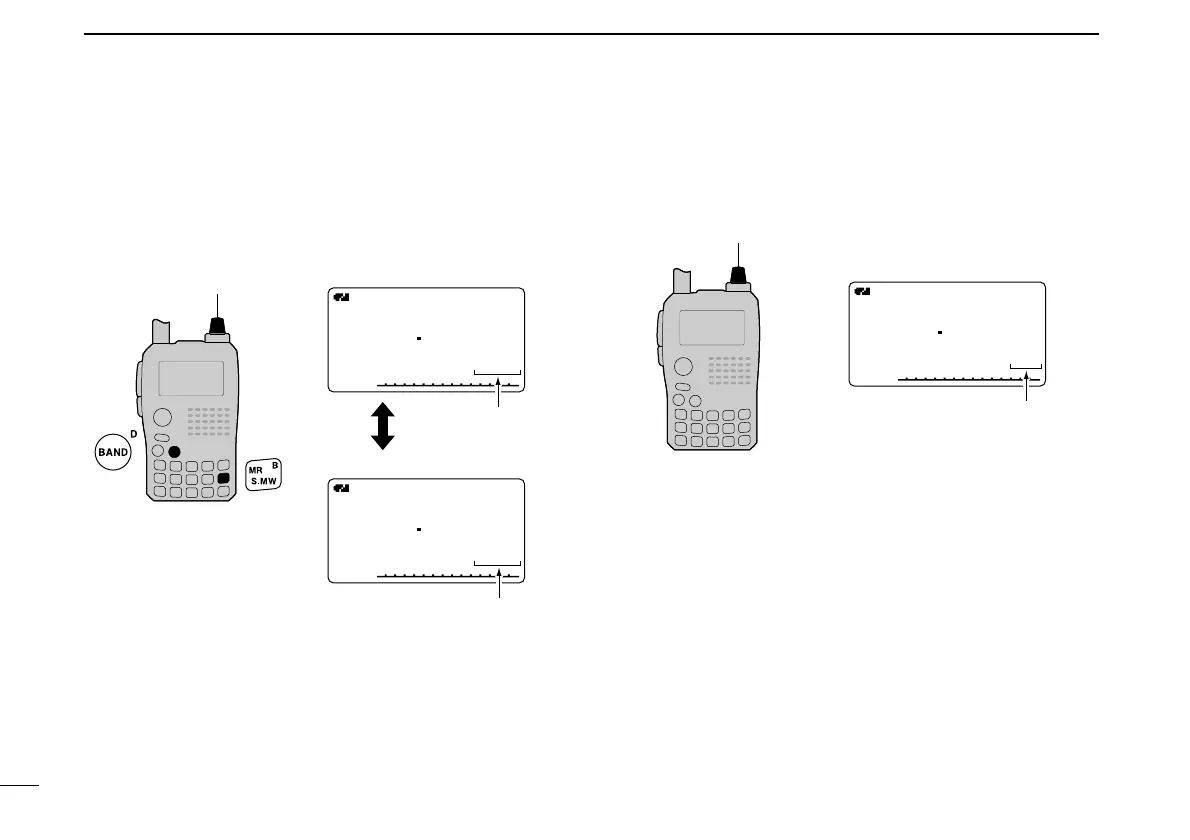
Memory bank selection
qPush [MR] several times to select memory bank mode.
wWhile pushing and holding [BAND], rotate [DIAL] to select
the desired bank (A to Z).
Only programmed banks are displayed.
eRotate [DIAL] to select the bank channel.
Only programmed channels are displayed.
rPush [MR] to return to regular memory condition.

A
µ
FMFM
145 620
C01C01
Memory bank mode
[DIAL]
Bank channel is selec-
ted with [DIAL].
A
µ
FMFM
145 870
011011
Memory mode
A
µ
FMFM
145 870
C05C05
Memory bank mode
Bank channel is
displayed.
Memory channel is
displayed.
[DIAL]

Table of Contents

Other manuals for Icom IC-91A

Related product manuals