– 97 –
③
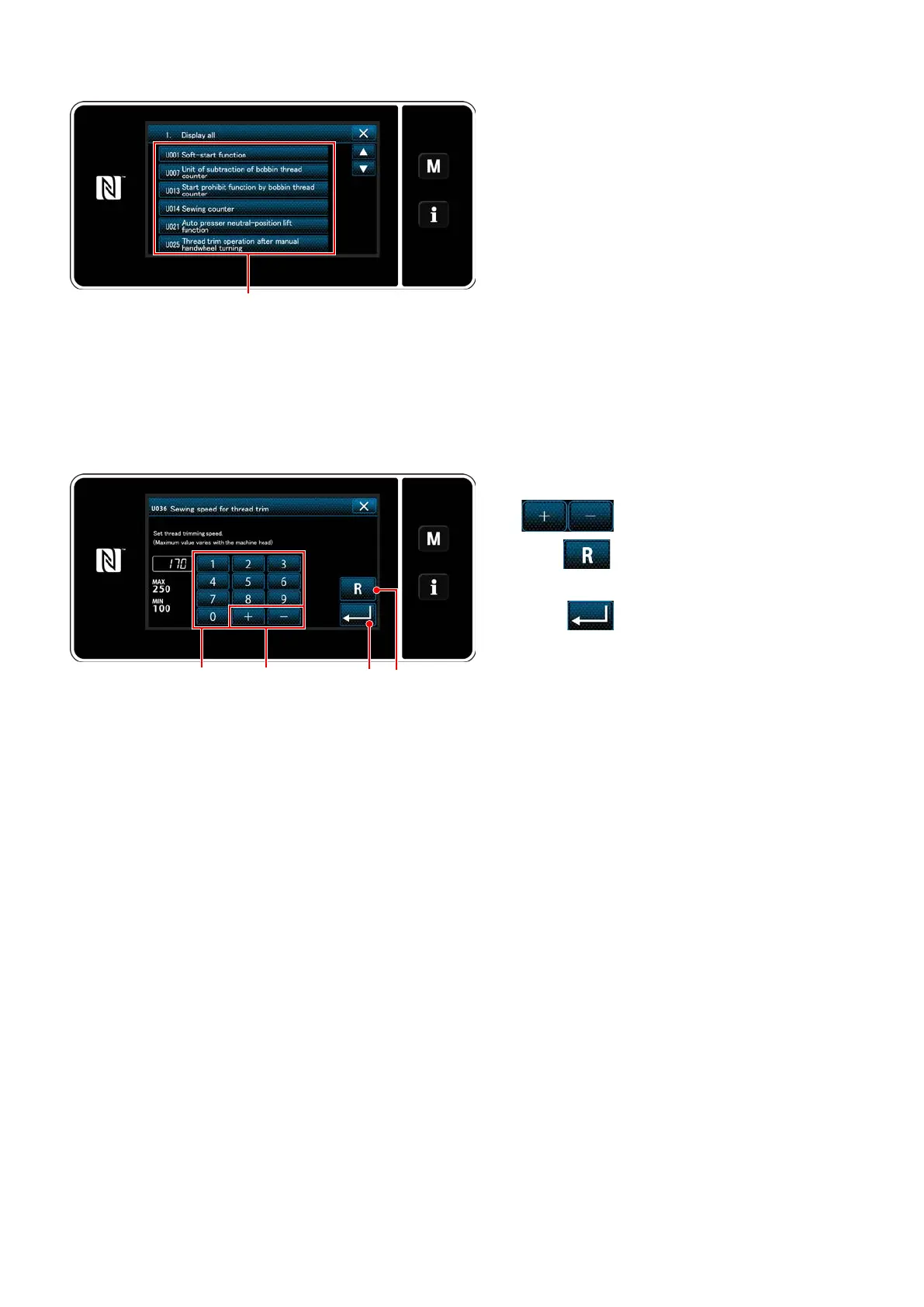
Conrming the data entered
1) Enter a set value with numeric keypad
❸
and
❹
.
2) Keep
❺
held pressed for one second
to return the set value to the initial value.
3) Press
❻
to conrm the setting.
The "memory switch edit screen" is displayed.
<Input screen>
②
Setting the memory switch
Select an item to edit from the memory switch list.
Press button ❷.
<Memory switch edit screen>
❷
❻
❸
❹
❺


 To Next Page
 Loading...