8-11
Status / Job Cancel > Sending the Log History
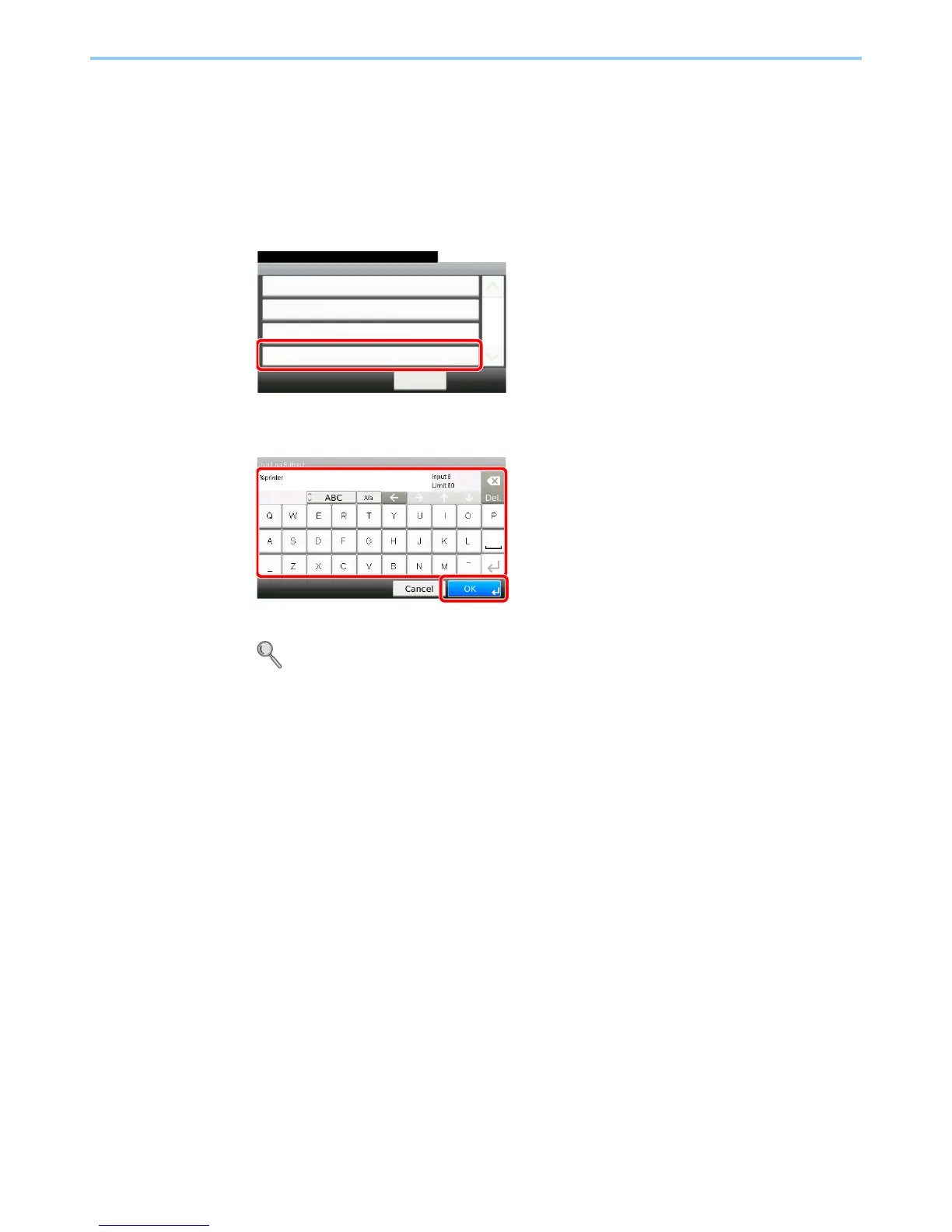
Setting E-mail Subject
Set the subject automatically entered when sending log histories by E-mail.
1
Display the screen.
1 Referring to Sending the Log History on page 8-8, display the screen.
2
2
Enter an E-mail subject.
Up to 60 characters can be entered.
Refer to Character Entry Method on page 11-7 for details on entering characters.
GB0578_00
Send Log History
10:10System Menu/Counter.
Auto Sending
< Back
1/1
Off
Destination
E-mail:
Report - Sending Log History
Job Log Subject
GB0057_23
1
2


 To Next Page
 Loading...








