Miele@home
98
Connecting the washer-dryer
to your WiFi network
Make sure there is sufficient signal
strength for your Wi-Fi network
where the washer-dryer is installed.
The XKM 3100W module must be
fitted.
There are a number of ways of connect-
ing your washer-dryer to your WiFi net-
work.
1. Connect via the Miele@mobile App
The Miele@mobile App can be used to
connect to your network.
Install the Miele@mobile App on your
mobile device.
Follow the instructions in the App as
well as the fitting and installation in-
structions supplied with the XKM
3100 W module.
To log in using the App you will need:
1. Your WiFi network password
2. The password for your washer-dryer
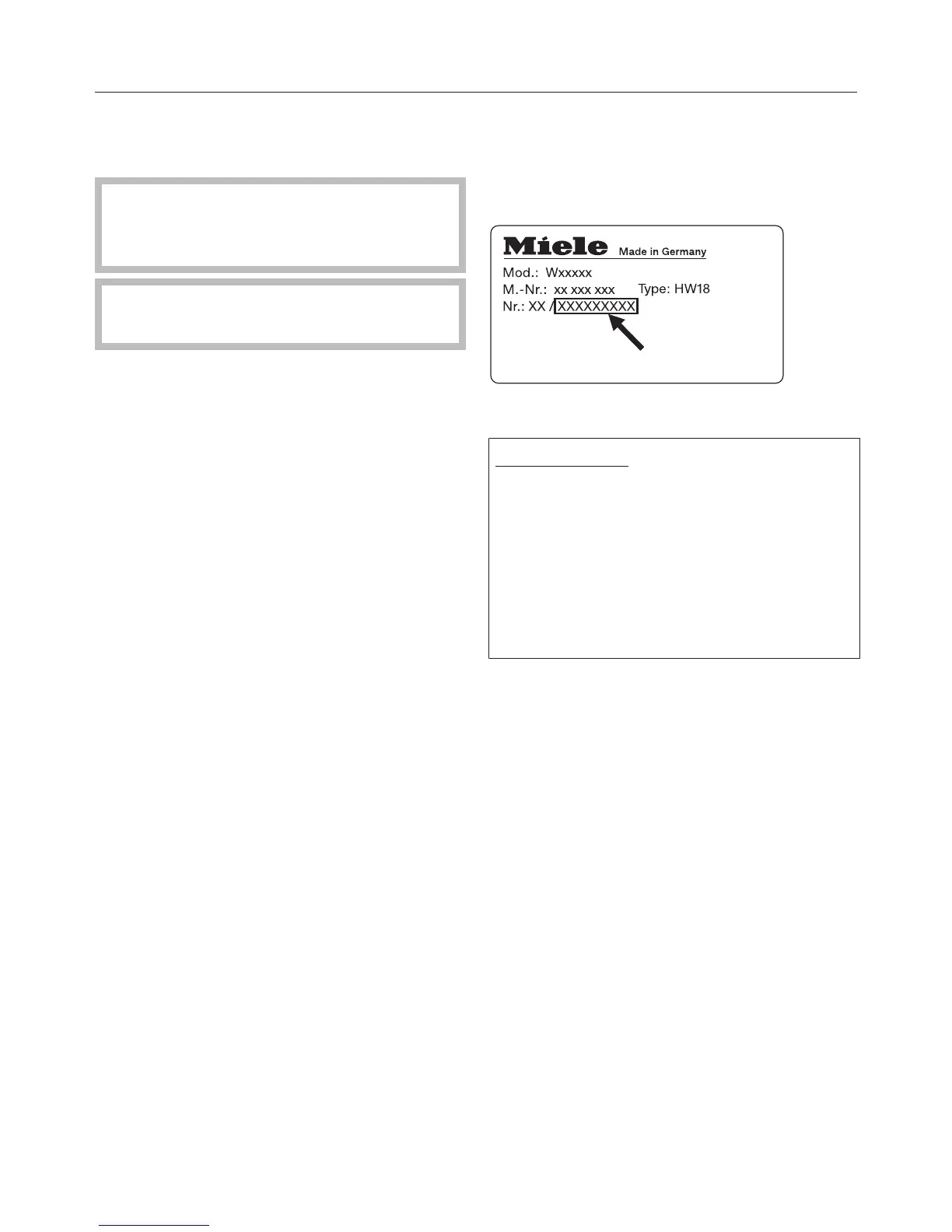
The password for your washer-dryer
consists of the last nine digits on the
serial number. This can be found on the
machine's data plate.
2. Connect via WPS
Pre-requisites:
– You must have a WPS compatible
router.
– The WiFi module must be inserted
in the module shaft.
– The washer-dryer must be
switched on.
Follow the fitting and installation in-
structions supplied with the XKM
3100 W module.
If the connection fails, you have prob-
ably not connected WPS to your router
quickly enough. Repeat the steps
above.
Tip: If your WiFi router does not support
WPS, please connect via the
Miele@home App.


 To Next Page
 Loading...