3
List Displays of Data/Jobs
4) List Displays of Data/Jobs
You can find the “List” display in View/Edit data (MENU/4:Data), Code List and PT
List functions, Job manager (MENU/1:Job) as well as when you search points
throughout the software.
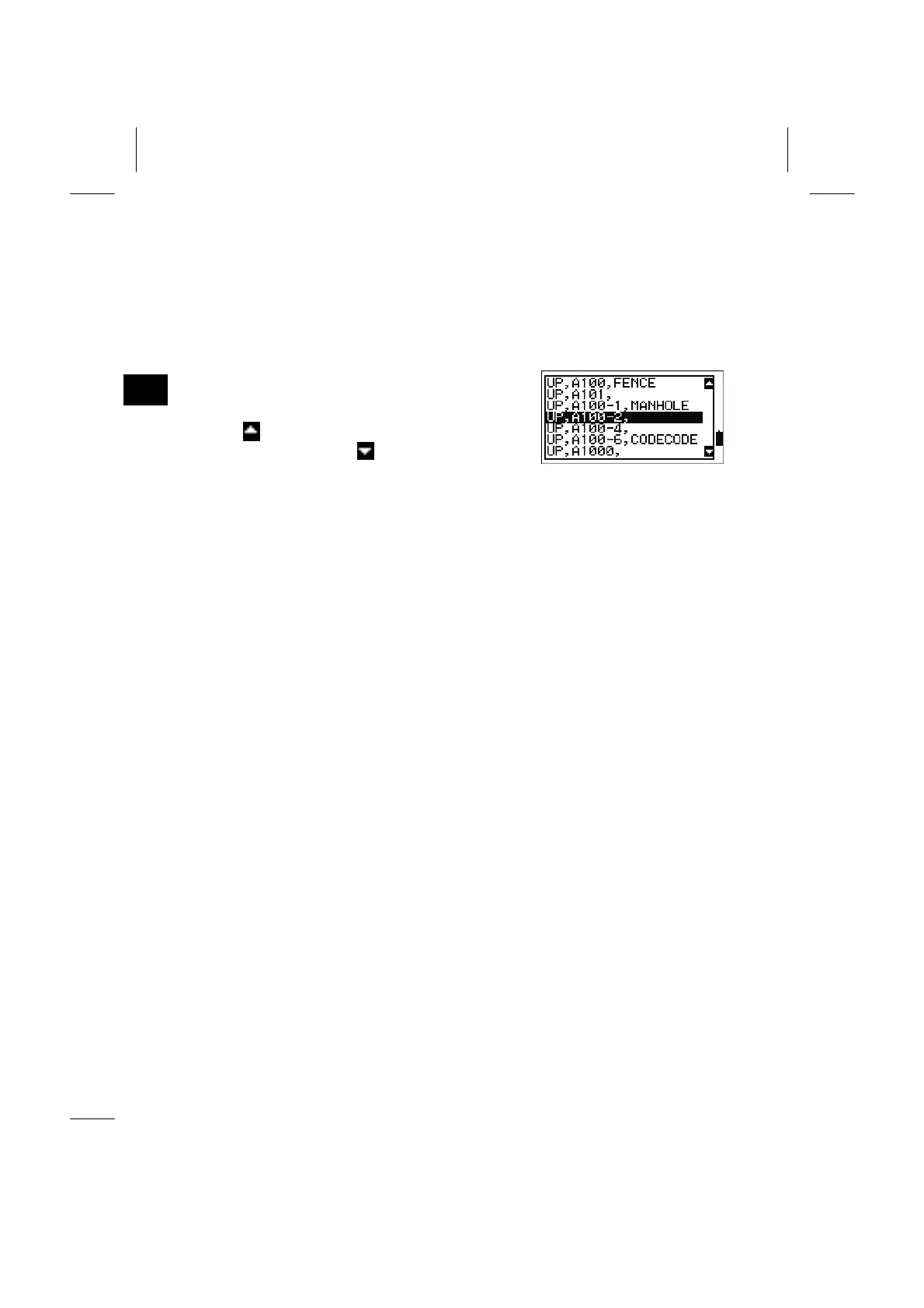
In the List, the current cursor position is shown as
an inverted line.
When
icon is shown, there are more pages
before the current page.
icon means more pages
after this page.
Right/Left arrow keys can be used to page up or
page down.
Up/Down arrow keys move the cursor one line up/down. To pick up the data in the
List, press the [ENT] key when the cursor is highlighting the desired data.
3-15


 To Next Page
 Loading...








