Getting Started 3
Pulse Laser Station NPL-302 Series Instruction Manual 37
Input mode indicator
The Input mode indicator only appears when you are entering points or coordinates.
It shows the data input mode:
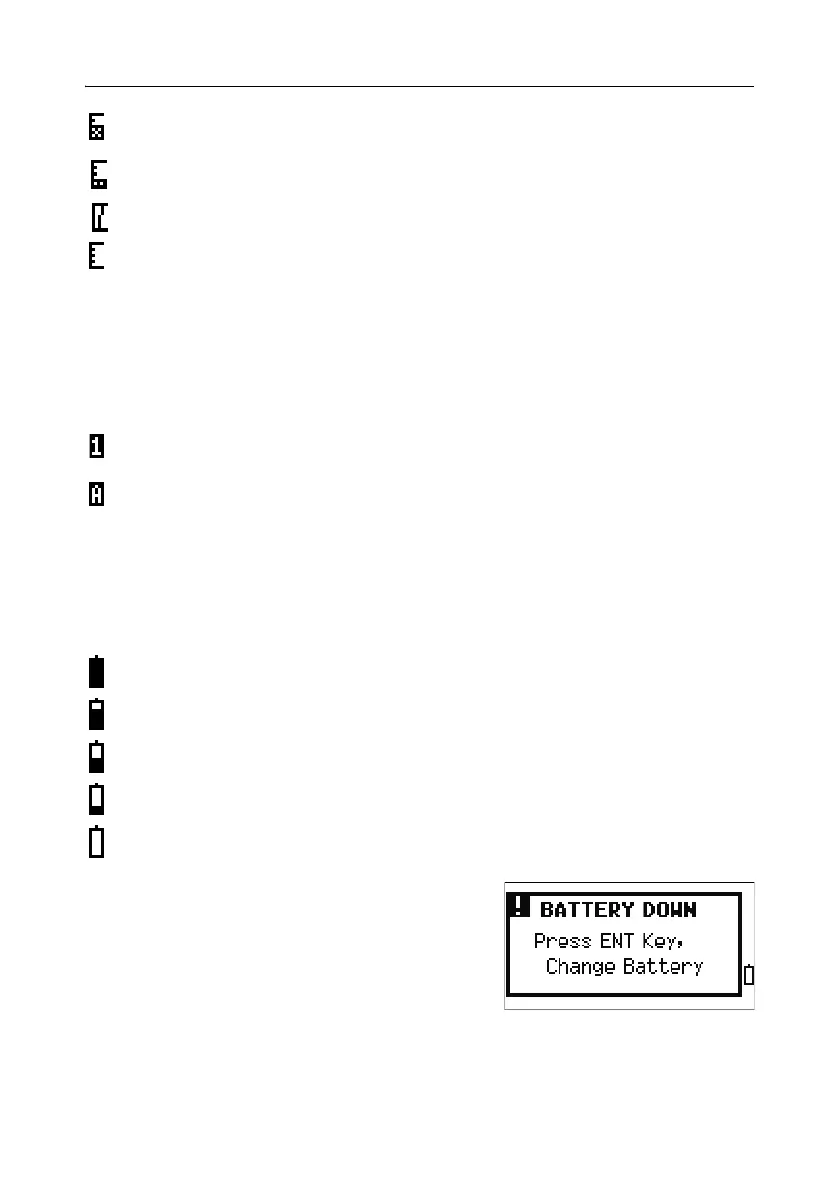
Battery indicator
The battery indicator shows the battery voltage level:
If the battery level is critically low, the following
message appears:
Level 2
Level 1 (minimum)
If this icon is blinking, there is excessive signal for N-prism.
If this icon is blinking rapidly, the signal is low.
If this icon is blinking slowly, there is no signal.
If there is no icon, analog power for EDM is off.
Input mode is numeric. Press a key on the number pad to enter the
number printed on the key.
Input mode is alphabetic. Press a key on the number pad to enter the first
letter printed beside the key. Press the key repeatedly to cycle through all
the letters assigned to that key.
For example, to enter the letter O in alphabetic mode, press [5] three times.
Level 4 (Full)
Level 3
Level 2
Level 1
Battery low


 To Next Page
 Loading...







