Page 21F
T-991
F
Button
Press the button briey to display the function menu
screen where the operation settings for a variety of
functions may be congured.
Press this button again to close the function menu
screen.
Press and hold this button for more than one second
to display the menu list screen where the memory
channel data may be reviewed.
m
While displaying the memory data, rotate the
[
]
knob to review all data in memory
channels.
Press this button again to close the memory list
screen.
Button
Press this button briey to display the menu mode
screen
(
see page 124
)
where you can set a variety
of functions.
Press this button again
(
or touch
[
]
on the
touch panel
)
to close the menu mode screen.
Press and hold this button for more than 1 second to
display the setup screen where you can congure the
following settings.
•
: Setting the call sign
(
see page 11
)
•
: Setting longitude/latitude
(
see page
118
)
•
: Setting date and time
(
see page
10
)
•
: Entering CW TEXT
(
see page 89
)
Press this button again to close the setup screen.
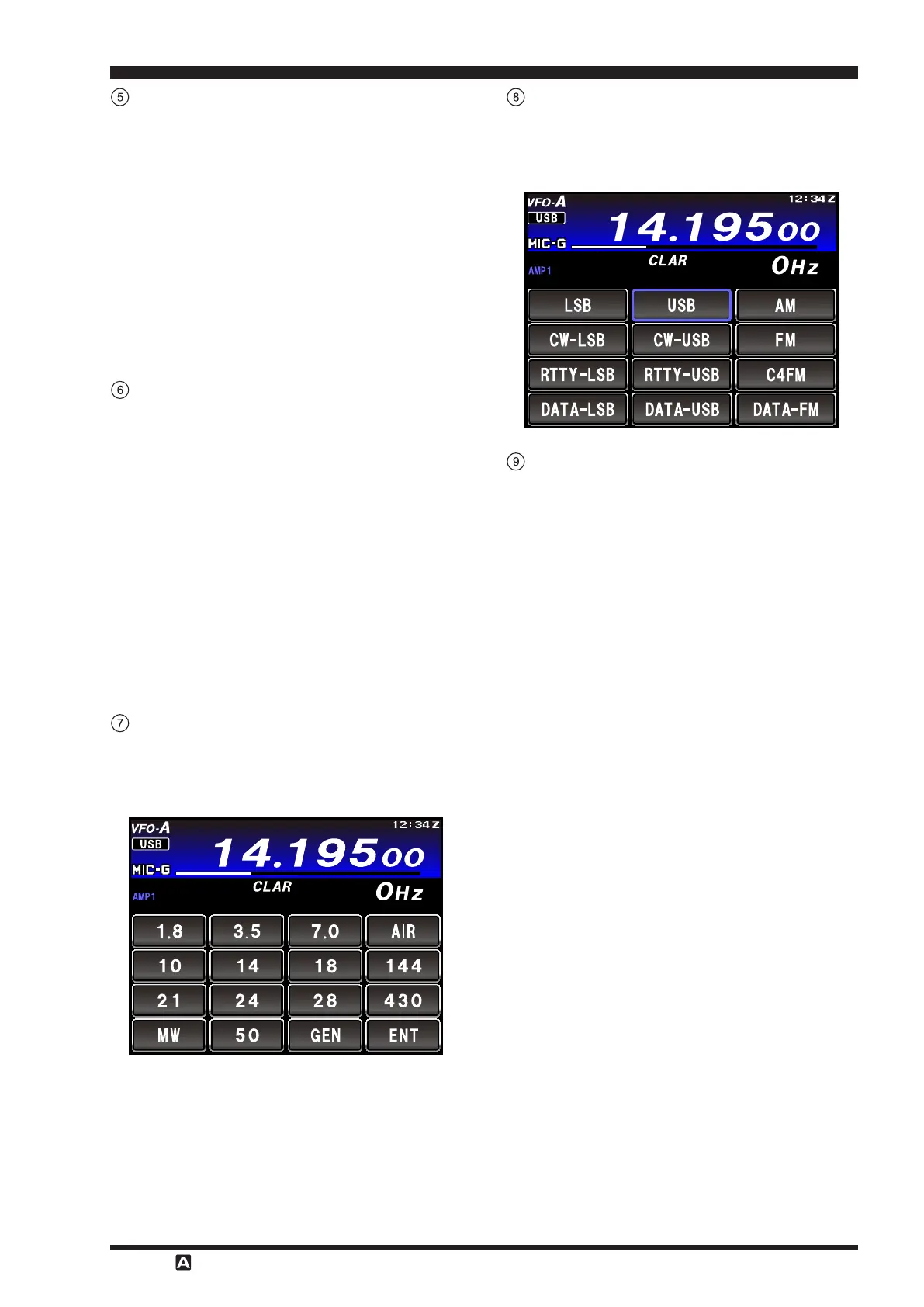
Button
Switch the operation band
(
operation frequency
band
)
. Press this button to display the operation band
selection screen, then touch and select the desired
band.
Button
Switch the radio modulation form
(
operating mode
)
.
Press this button to display the radio modulation
form selection screen, then touch and select your de-
sired modulation form.
Knob
Adjust transmit output, microphone gain and opera-
tions of other functions
(
see page 24
)
.


 To Next Page
 Loading...