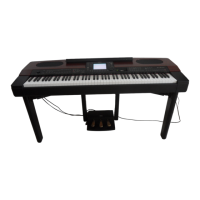
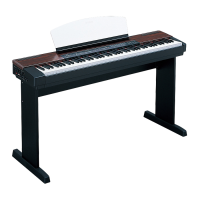
PF-1000
150
Assembling the Keyboard Stand
You can use the PF-1000 without installing the stand.
However, if you wish to attach the stand to the PF-1000,
follow the steps below.
CAUTION
• Be careful not to confuse parts. Make sure that you
install all parts in the correct orientation. Assemble
the stand in accordance with the steps below.
• At least two persons should assemble the stand
together.
• Be sure to use the correct-size screws, as indicated
below. Use of incorrect screws can cause damages
to the stand.
• When you attach each part, be sure to tighten all
screws.
• Reverse the assembly procedure to disassemble the
stand.
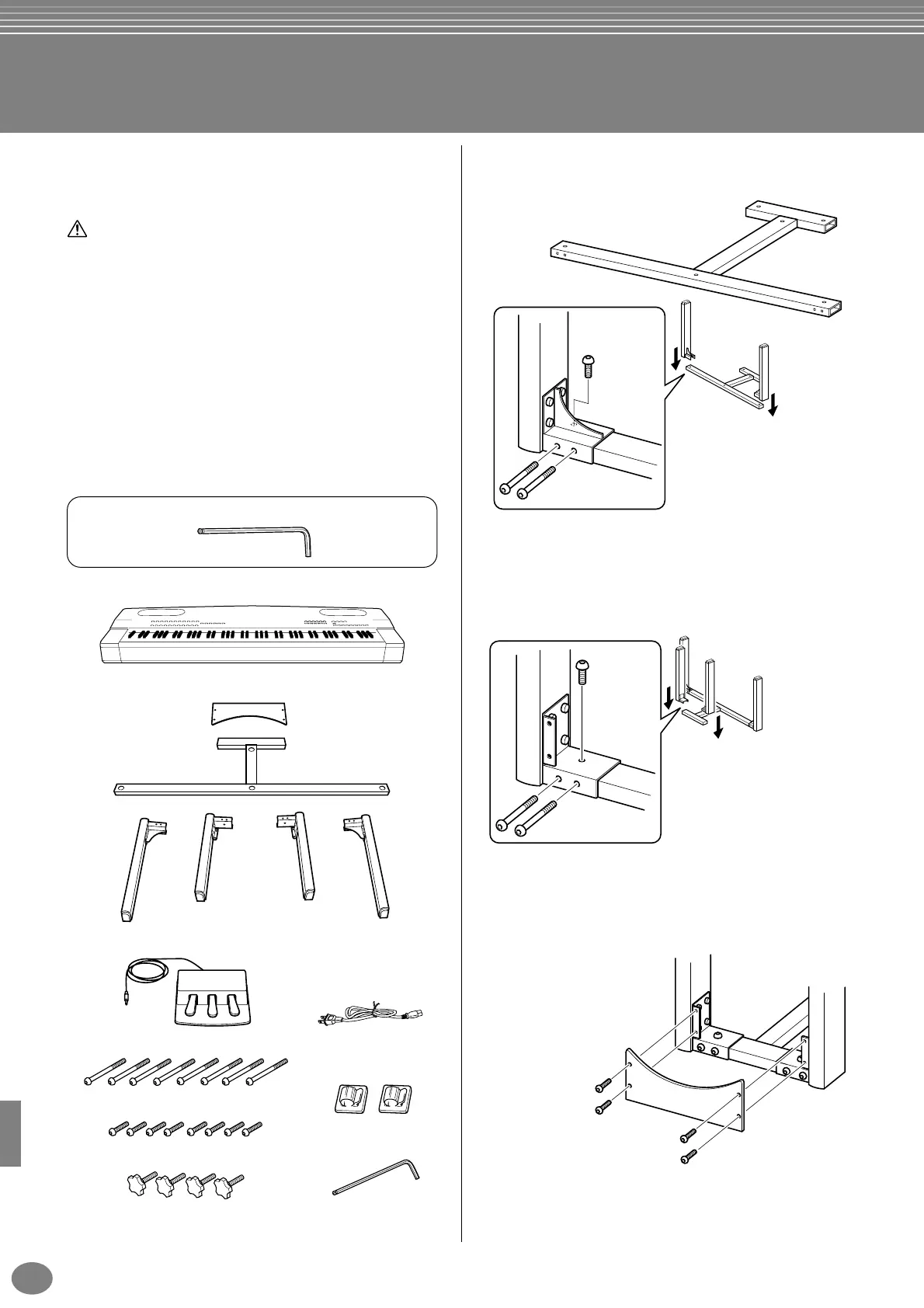
Keyboard
Remove the following parts from the package.
Screws
1
Attaching the front legs to the stand.
2
Attaching the rear legs to the stand.
3
Attaching the plate.
Use the included wrench.
Plate
Stand
Front left leg Front right leg
Rear left leg Rear right leg
Pedal unit
AC power cord
Long screws (6x65mm) x 8
Short screws (6x20mm) x 8
Cap bolts x 4
Cord holders x 2
Wrench x 1
2
3
1 Place the stand on the floor so that
the bottom side (with smaller
holes) faces up.
4 Attach the front left leg in the same way.
2 Use a short screw to attach
the bracket of the front right
leg to the bottom side of
the stand.
3 Use two long screws to fix
the bracket of the front right
leg to the front side of the
stand.
1
2
1 Use a short screw to attach
the bracket of the rear left leg
to the bottom side of the
stand.
2 Use two long screws to fix the
bracket of the rear left leg to
the rear side of the stand.
3 Attach the rear right leg in
the same way.
Align the holes on the plate
with the holes of the rear side
of the bracket on the rear legs,
then fix them using four short
screws.


 To Next Page
 Loading...