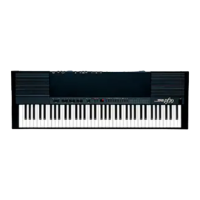
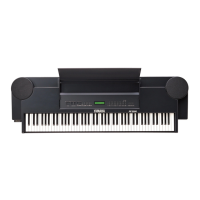
PF-1000
82
Saving and Recalling Custom Panel Setups — Registration Memory
Registration Memory is a powerful feature that lets you set up the PF-1000 just as you want — selecting specific voices,
styles, effect settings etc. — and save your custom panel setup for future recall. Then, when you need those settings,
simply press the appropriate REGISTRATION MEMORY button.
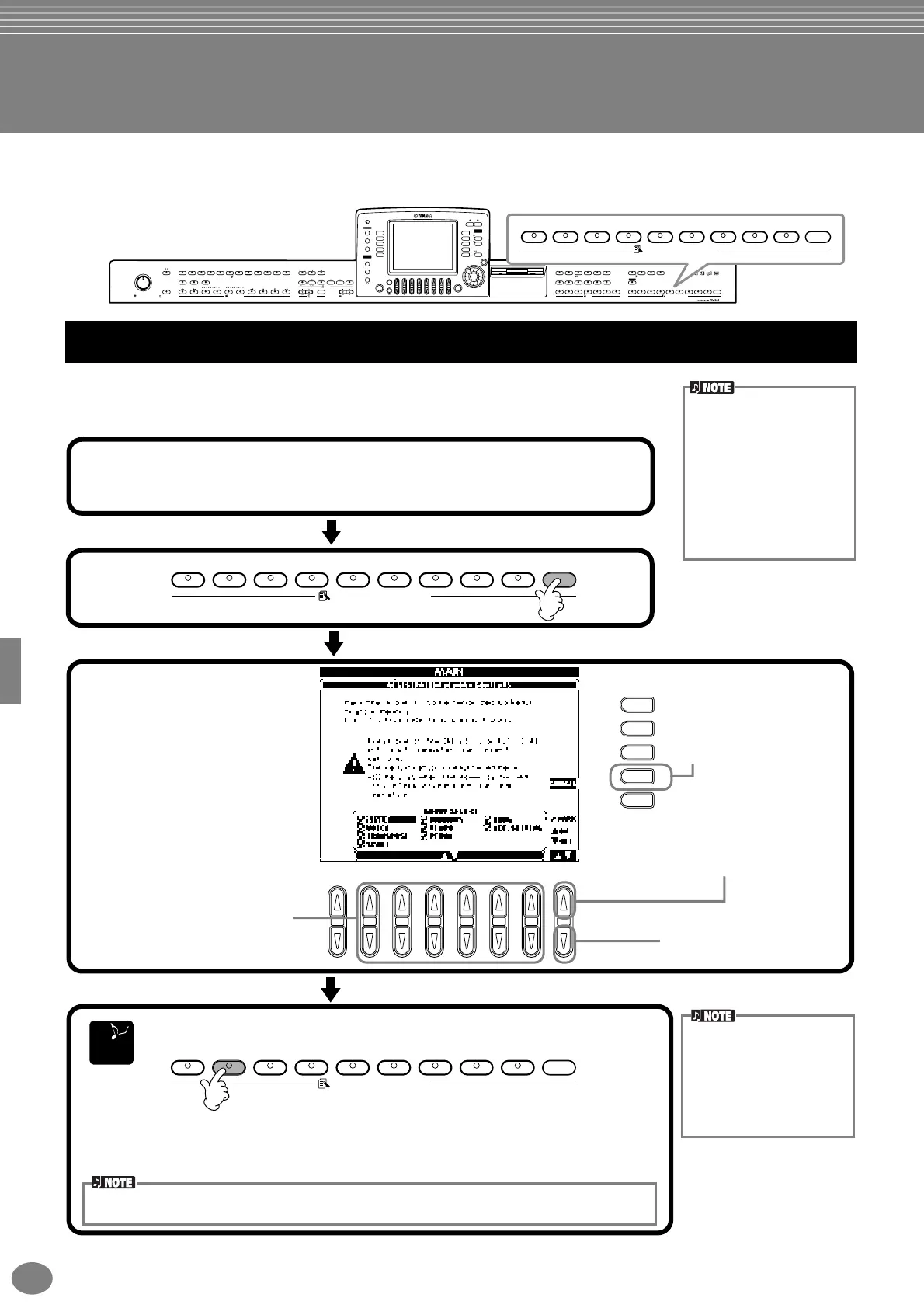
This shows you how to register your custom panel settings to the REGISTRATION
MEMORY buttons. Make all the settings you want with the panel controls, and Registration
Memory will “remember” them for you.
MASTER VOLUME
MIN MAX
METRONOME
STYLE CONTROL
START/STOP
FADE IN/OUT POP & ROCK
BREAK INTRO
ENDING/rit.
SYNC.STOP SYNC.START
TOPREC
NEW SONG
SYNC.START
EXTRA TRACKS TRACK2
STYLE L
TRACK1
R
START/STOP
START/STOP
REW
FF
REPEAT
DEMO
HELP
FUNCTION
E
D
C
B
A
J
I
H
G
F
SOUND
CREATOR
DIGITAL
RECORDING
DIRECT
ACCESS
BALANCE
CHANNEL
ON/OFF
PART
PART
MIXING
CONSOLE
LCD
CONTRAST
A
ACMP
AUTO FILL IN
OTS LINK
B
MAIN
C
TAP TE MPO
EXIT
DATA ENTRY
ENTER
ON/OFF
LAYER
BACK
LEFT
NEXT
MUSIC
FINDER
RESET RESET
POP BALLADS
DANCE
SWING & JAZZ
R & B CO UNTRY
LATIN WALTZ BALLROOM PIANIST
USER 4321
4321FREEZEUSERXGSYNTH.
CHOIR & PAD
BRASS WOODWIND STRINGS
LEFT HOLDMONOECHO
HARMONY/
REVERB
PIANO & ORGAN &
DSP VARIATION
BASSGUITAR
PERCUSSION
HARPSI. E.PIANO
ACCORDION
8 MEMORY765
MARCH &
WORLD
TEMPO
TRANSPOSE
STYLE
SONG
MENU
DIGITAL
STUDIO
2 31 5 6 7 84
VOICE
PART
PIANO
VOICE REGISTRATION MEMORY
VOICE EFFECT ONE TOUCH SETTING
D
4321FREEZE 8 MEMORY765
REGISTRATION MEMORY
Registering Panel Setups — Registration Memory
Keep in mind that songs or
styles on disk cannot
registered to Registration
Memory. If you want to
register a disk-based song
or style, copy the relevant
data to “USER” in the
SONG/STYLE display
(page 38) and register the
data separately.
END
J
I
H
G
F
2 31 5 6 7 84
4321FREEZE 8 MEMORY765
REGISTRATION MEMORY
4321FREEZE 8 MEMORY765
REGISTRATION MEMORY
1
Set up the panel controls as desired.
For a list of the settings that can be registered, refer to the separate Data List
(Parameter Chart).
Select the desired parameter groups
for the settings you want to register.
You can also use the [DATA ENTRY]
dial to navigate in this display. To
register a parameter group, checkmark
the corresponding box. Groups left
without checkmarks will not be included
in the Registration Memory setting.
This allows you to maintain certain
settings, even when switching among
Registration Memory presets. You can
also use the Freeze function (page 84)
to override the Registration Memory
changes — letting you prevent certain
panel settings from being changed.
Enters a checkmark to the
selected box. You can also
use the [ENTER] button.
Removes the checkmark from
the selected box. You can also
use the [ENTER] button.
Cancels the registration
and returns to the MAIN
display. You can also use
the [EXIT] button.
Press the desired number button for registering the settings.
3
Any data that was previ-
ously registered to the
selected REGISTRATION
MEMORY button (indicator
is green or red) will be
erased and replaced by the
new settings.
Indicator is green......The panel setting is registered, but not selected.
Indicator is red .........The panel setting is registered and is currently selected.
Indicator is off ..........The panel setting is not registered.
2
The registrations registered here will be lost when the power is turned off, unless you perform
the Save operation explained on the next page.


 To Next Page
 Loading...