17
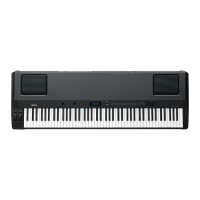
PF-1000
2
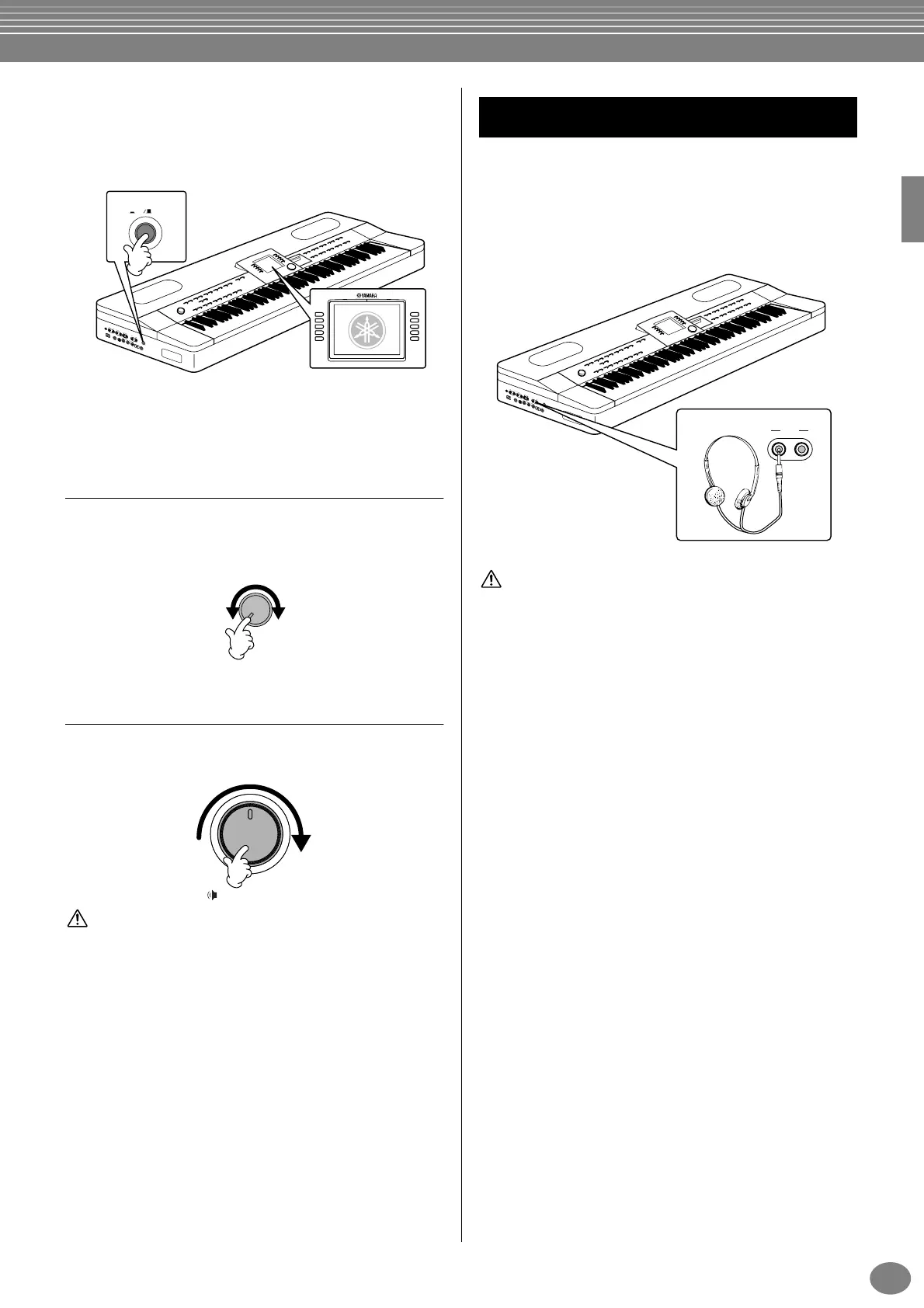
Press the [POWER] switch located on the left side
panel to turn on the power.
→ The main display appears in the LCD display.
When you’re ready to turn off the power, press the
[POWER] switch again.
→ The display will turn off.
Adjusting the display contrast
If the LCD is difficult to read, adjust the contrast with the
[LCD CONTRAST] knob at the left of the LCD.
Setting the volume
Use the [MASTER VOLUME] dial to adjust the volume to
an appropriate level.
CAUTION
Do not use the PF-1000 at a high volume level for a long period of
time, or your hearing may be damaged.
Connect a pair of headphones to one of the [PHONES]
jacks on the left side panel.
Two [PHONES] jacks are provided.
Two sets of standard stereo headphones can be plugged
in. (If you are using only one pair of headphones, you
can plug them into either of these jacks.)
CAUTION
Do not use headphones at a high volume for an extended period of
time. Doing so may cause hearing loss.
P
E
D
A
L
A
U
X
P
E
D
A
L
A
C
I
N
L
E
T
V
I
D
E
O
O
U
T
A
U
X
I
N
M
I
D
I
T
O
H
O
S
T
H
O
S
T
S
E
L
E
C
T
I
N
R
L
/
L
+
R
R
L
R
L
/
L
+
R
T
H
R
U
O
N
O
F
F
M
I
D
I
P
C
-
2
M
a
c
P
C
-
1
O
U
T
A
U
X
O
U
T
P
H
O
N
E
S
P
O
W
E
R
L
E
V
E
L
F
I
X
E
D
E
D
C
B
A
J
I
H
G
F
ON OFF
POWER
LCD
CONTRAST
MASTER VOLUME
MIN MAX
Using headphones
P
E
D
A
L
A
U
X
P
E
D
A
L
A
C
I
N
L
E
T
V
I
D
E
O
O
U
T
A
U
X
I
N
M
I
D
I
T
O
H
O
S
T
H
O
S
T
S
E
L
E
C
T
I
N
R
L
/
L
+
R
R
L
R
L
/
L
+
R
T
H
R
U
O
N
O
F
F
M
I
D
I
P
C
-
2
M
a
c
P
C
-
1
O
U
T
A
U
X
O
U
T
P
H
O
N
E
S
P
O
W
E
R
L
E
V
E
L
F
I
X
E
D
PHONES


 To Next Page
 Loading...