xStack
®
DES-3500 Series Layer 2 Stackable Fast Ethernet Managed Switch User Manual
9
Installing the Switch in a Rack
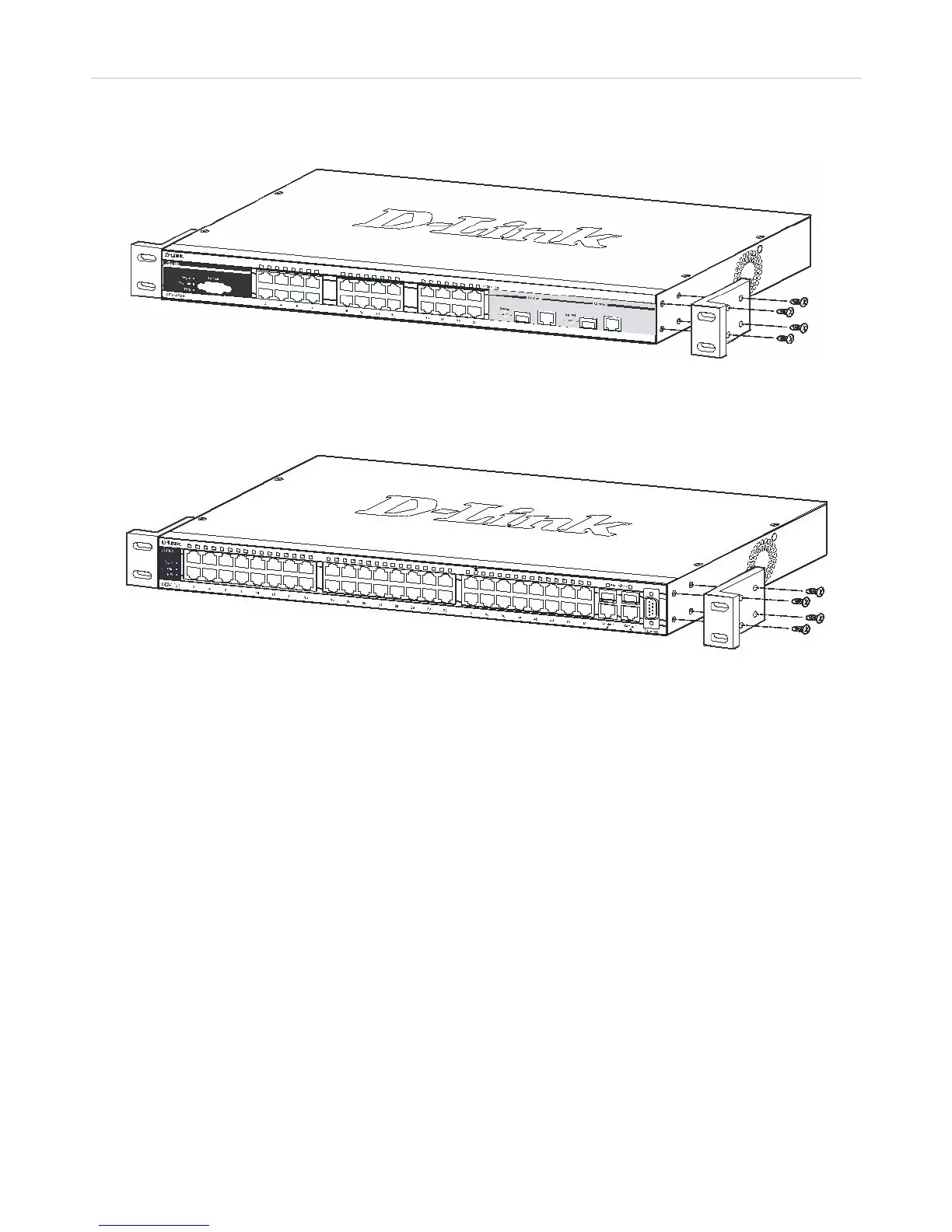
The Switch can be mounted in a standard 19" rack. Use the following diagrams to guide you.
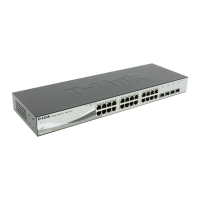
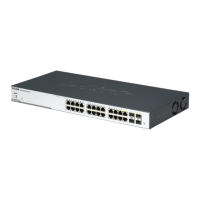
Figure 2- 3. Fasten mounting brackets to the DES-3526
Figure 2- 4. Fasten mounting brackets to the DES-3550
Fasten the mounting brackets to the Switch using the screws provided. With the brackets attached securely, you can mount the
Switch in a standard rack as shown in Figure 2-3 below.



 To Next Page
 Loading...