xStack
®
DES-3500 Series Layer 2 Stackable Fast Ethernet Managed Switch User Manual
34
Port Description
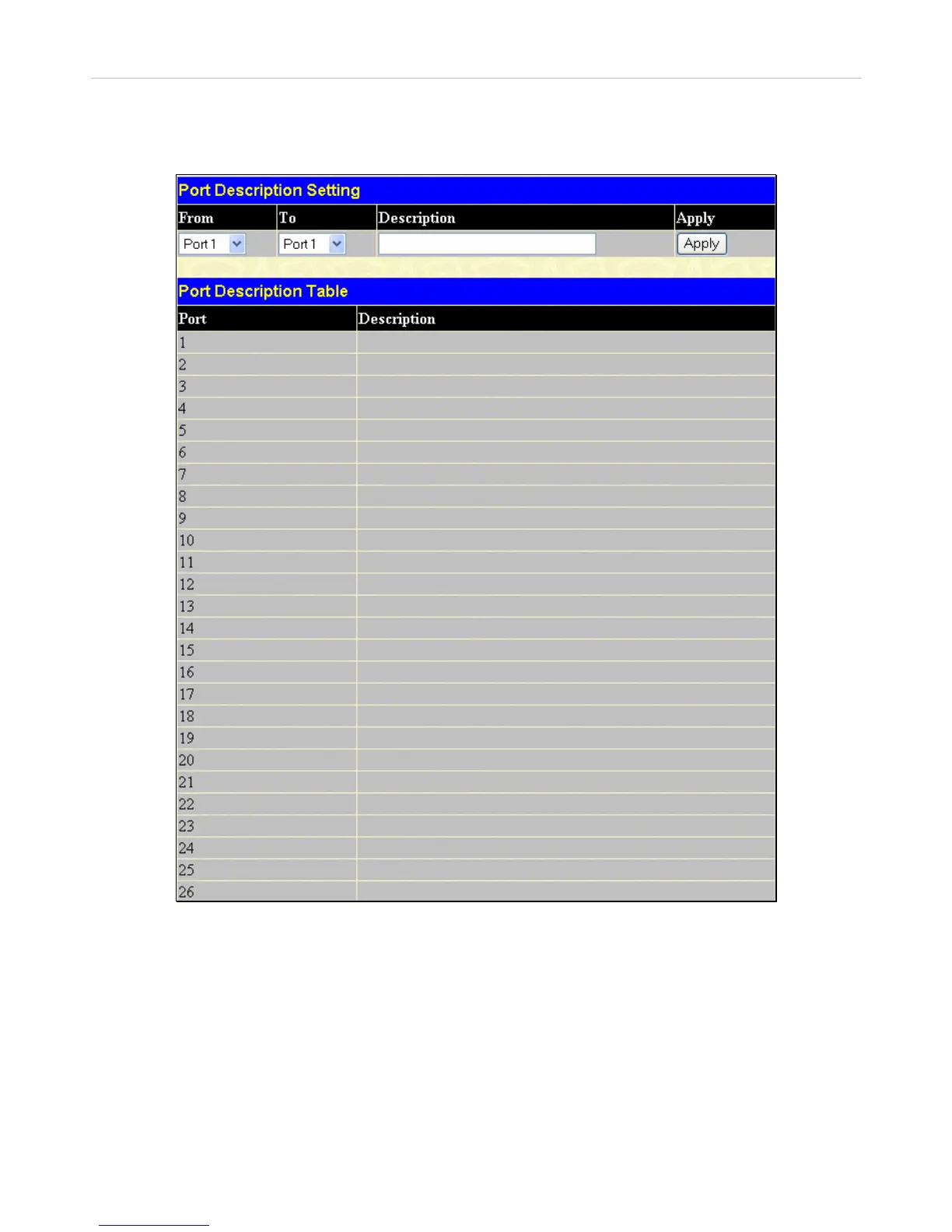
The DES-3500 Series switches support a port description feature where the user may name various ports on the Switch. To assign
names to various ports, click Configuration > Port Description:
Figure 6- 5. Port Description Settings window
Use the From and To pull down menu to choose a port or range of ports and enter a description of the port(s). Click Apply to set
the descriptions in the Port Description Table.



 To Next Page
 Loading...