To Next PageTo Next PageTo Previous PageTo Previous Page
 Loading...
 Need help?
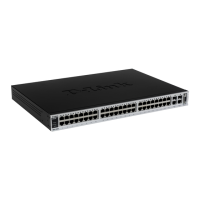
Do you have a question about the D-Link DES-3526 - Switch - Stackable and is the answer not in the manual?
 General
| Device Type | Switch |
|---|---|
| Manufacturer | D-Link |
| Model | DES-3526 |
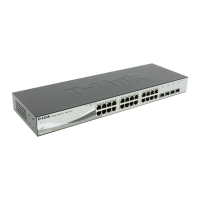
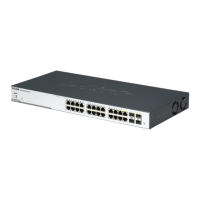
| Enclosure Type | Rack-mountable |
| Stacking | Yes |
| Stack Ports | 2 |
| MAC Address Table Size | 8K entries |
| Power Over Ethernet (PoE) | No |
| VLAN Support | Yes |
| Quality of Service (QoS) | Yes |
| SNMP Support | Yes |
| Product Type | Stackable |
| Routing Protocol | Static Routing |
| Remote Management Protocol | HTTP |
| Features | VLAN support |
| Compliant Standards | IEEE 802.3, IEEE 802.3u, IEEE 802.3x |
| Jumbo Frame Support | Yes |
| Power Supply | Internal |
| Dimensions (W x D x H) | 440 x 210 x 44 mm |
| Management | Web-based management |
| Ports | 24 x 10/100 + 2 x Gigabit SFP |
Guides the user on mounting the switch securely in a standard 19-inch rack.
Covers initial login procedures and setting up password protection for switch access.
Covers assigning an IP address to the switch for network management and communication.
Allows configuration of individual physical ports, including speed, duplex, and flow control settings.
Covers the configuration of Virtual Local Area Networks, including 802.1Q tagging and port-based VLANs.
Discusses the implementation of Quality of Service using 802.1p priority queuing for traffic management.
Enables setting criteria to determine packet forwarding based on header information.
Configures trusted IP addresses and protocols allowed to manage the switch.
Manages user accounts, privileges (Admin, Operator, User), and passwords for switch access.
Implements IEEE 802.1x for port-based and MAC-based access control using authentication.