NOTE :
• High-beam-indicator will be on when the head-
light-switch is in the high beam position.
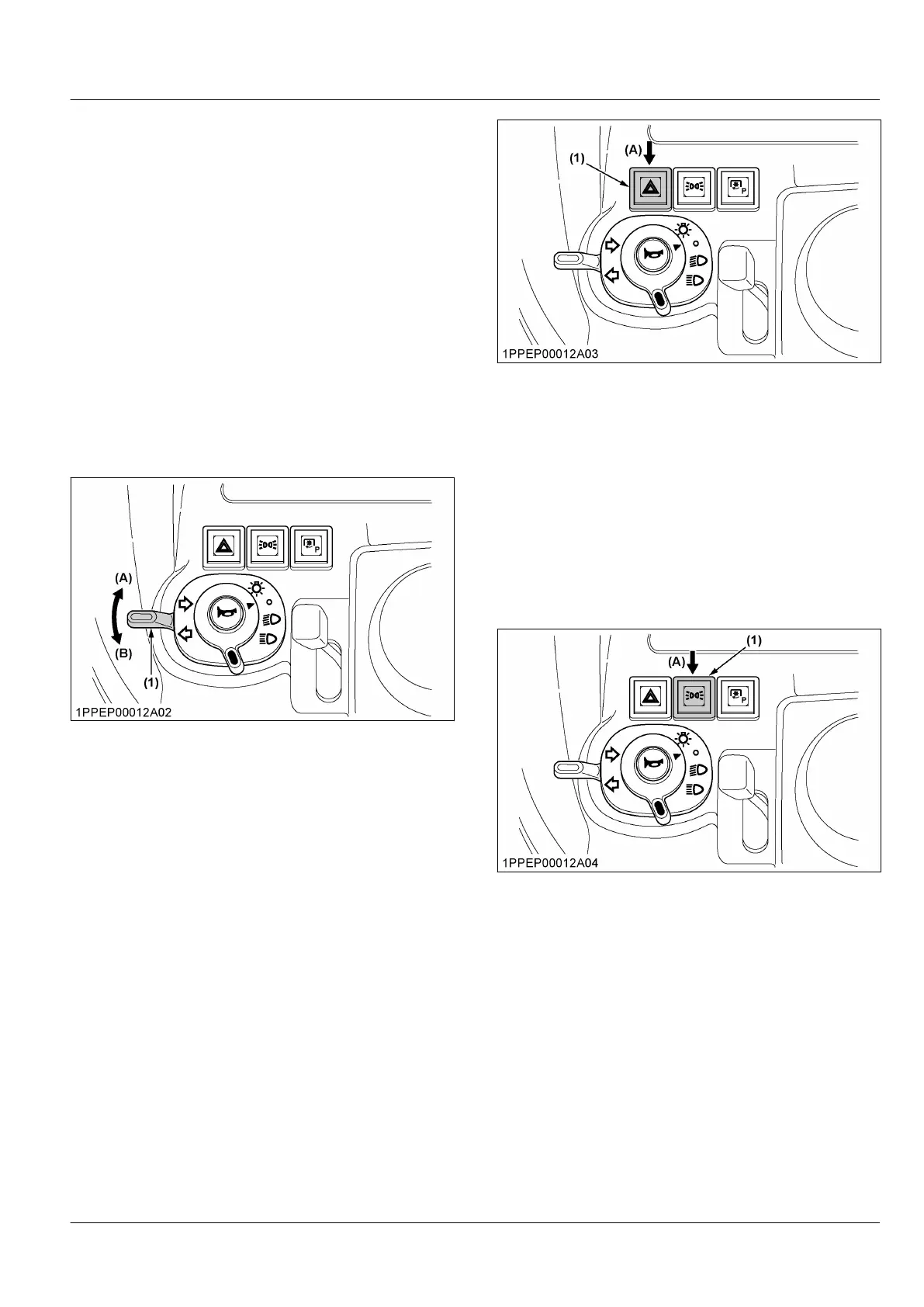
4. Direction indicator light switch
To indicate a right turn, turn the direction indicator light
switch clockwise.
To indicate a left turn, turn the direction indicator light
switch anticlockwise.
When the left or right direction indicator light switch
is activated in combination with the hazard lights, the
indicated turning light will flash and the other light will
stay on.
NOTE :
• Be sure to return the direction indicator light
switch to centre position after turning.
(1) Direction indicator light
switch
(A) Right turn
(B) Left turn
5. Hazard light switch
1. When pressing the hazard-light-switch, the hazard
lights flash along with the indicator on the
instrument panel.
2. When pressing the hazard-light-switch again, the
hazard lights turn off.
NOTE :
• The hazard-light-switch is operative when the
key switch is in either on and off position.
(1) Hazard light switch
(A) Push on-off
6. Position light switch
1. To activate the position lights, press the position-
light-switch.
2. To deactivate the position lights, press the position-
light-switch again.
The position-light-switch is operative when the key
switch is at the on position.
Position lights:
• Rear light (rear position light)
• Side marker light (front position light)
(1) Position light switch (A) Push on-off
INSTRUMENT PANEL, SWITCHES AND HAND CONTROLS
INSTRUMENT PANEL AND CONTROLS



 To Next Page
 Loading...