VBA20001-R.3720.A
- A ・ -
logo�Q0310�forGraphic
070509�Gdesign�ito
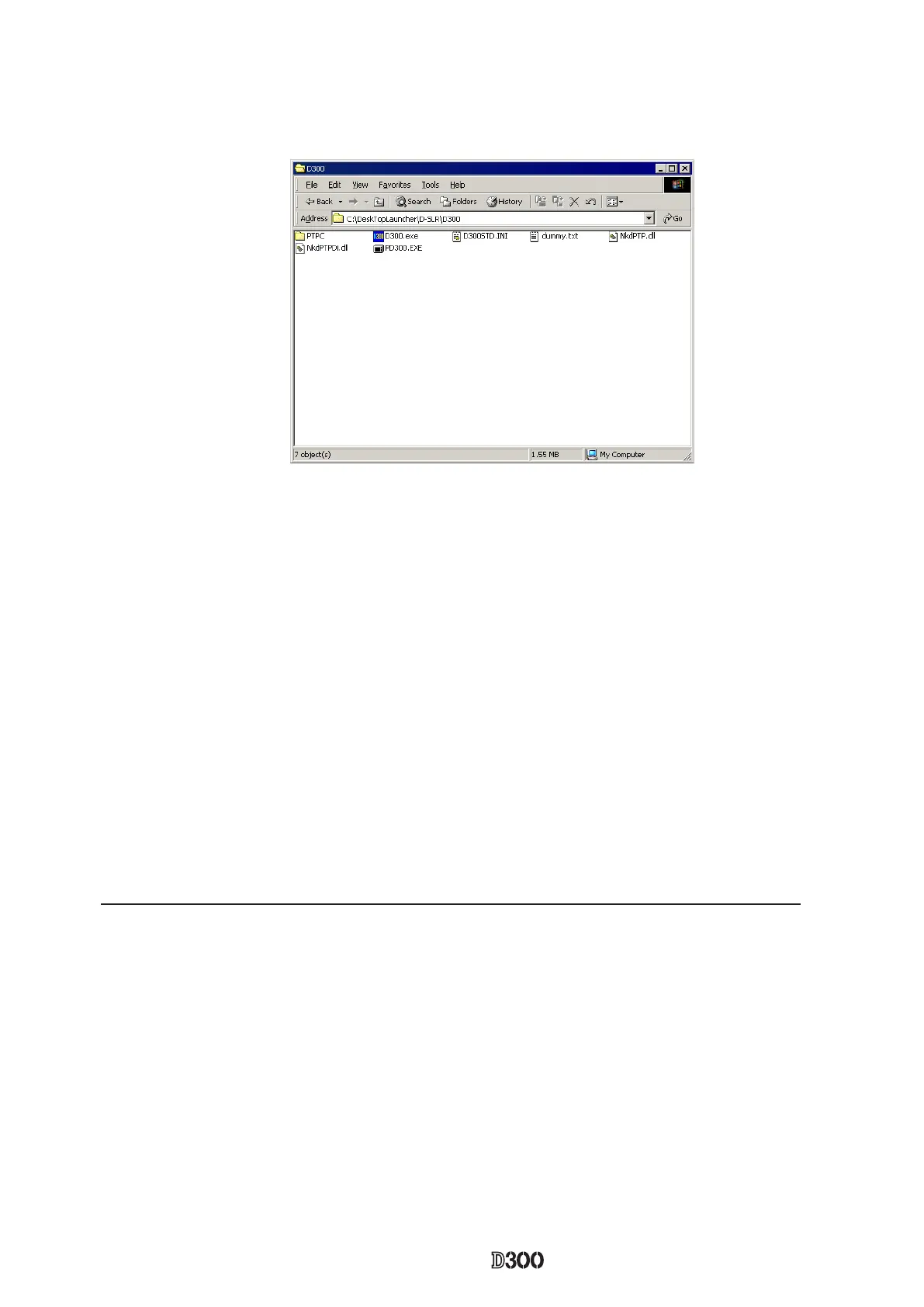
5. The install is completed.
If this program is used by the USB interface, installing the USB driver is necessary.
But if the OS is "Windows XP", the driver is already preloaded so it is not necessary to install it.
1. Set the USB of camera to "PTP".
2. Connect the camera and PC by USB cable.
3. Turn camera ON.
< Procedure for installing USB driver >
6. Click "Reference". Select "DeskTopLauncher\D-SLR\D300\PTPC\" of C drive, and click "OK".
7. The install is completed.


 To Next Page
 Loading...











