Administration / 65
Permissions Procedures
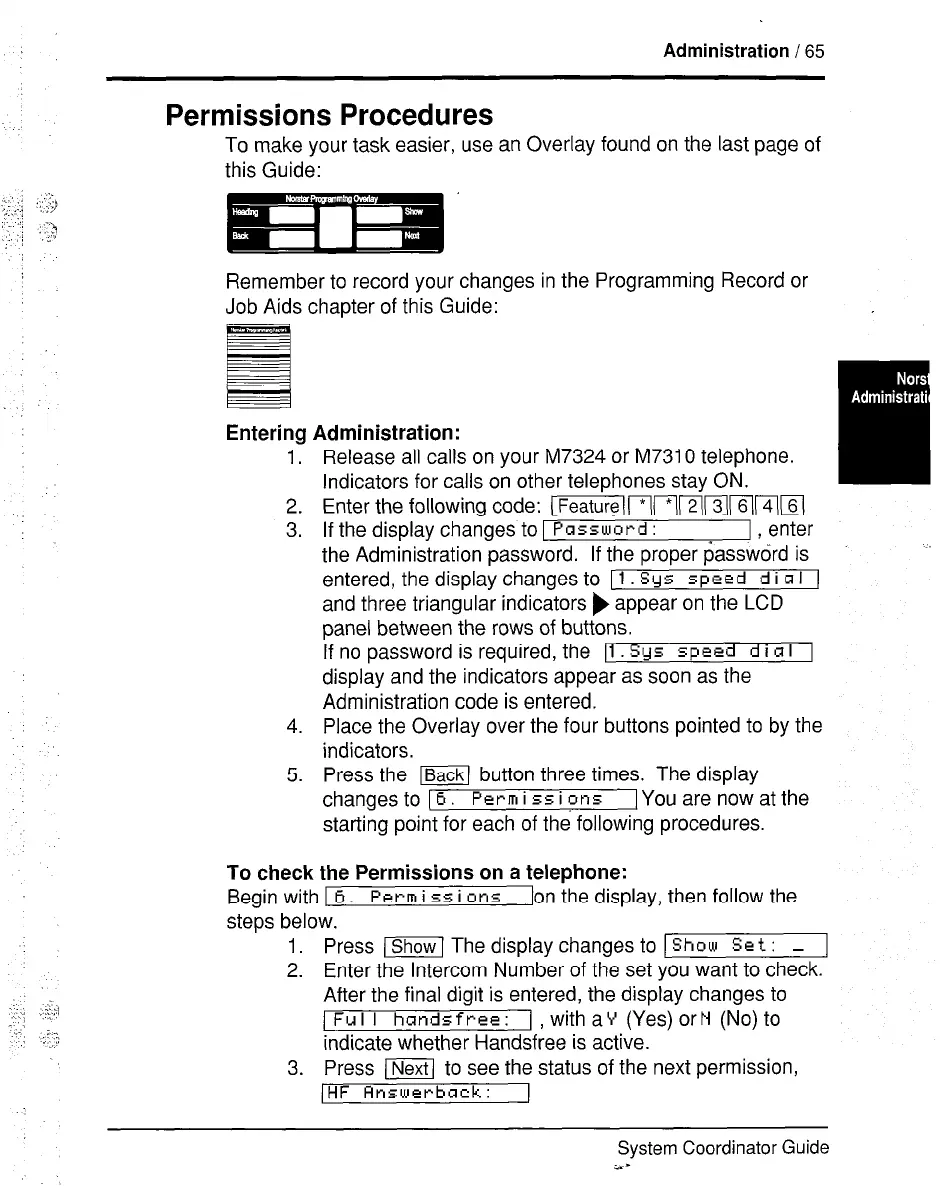
To make your task easier, use an Overlay found on the last page of
this Guide:
Remember to record your changes in the Programming Record or
Job Aids chapter of this Guide:
ermg Administration:
1. Release all calls on your M7324 or M7310 telephone.
Indicators for calls on other telephones stay ON.
2. Enter the following code: [~(1(*1(2(~~(61(4((6(
3. If the display changes to 1 Password :
1 , enter
the Administration password. If the proper password is
entered, the display changes to [ 1 Sys speed d i R I 1
and three triangular indicators ) appear on the LCD
panel between the rows of buttons.
If no password is required, the Il. Sys speed d i CI I 1
display and the indicators appear as soon as the
Administration code is entered.
4. Place the Overlay over the four buttons pointed to by the
indicators.
5. Press the ml button three times. The display
changes to [ 6. Pet-m i 55 i ins
[You are now at the
starting point for each of the following procedures.
To check the Permissions on a telephone:
Begin with I 6. Perm i
55
i
~r15
[on the display, then follow the
steps below.
1. Press (Show1 The display changes to ) Show Set : - 1
2. Enter the Intercom Number of the set you want to check.
After the final digit is entered, the display changes to
1 Fu I I hands free: 1 with aY (Yes) orN (No) to
indicate whether Handsfree is active.
3. Press LNext to see the status of the next permission,
(HF Rnswcrback :
System Coordinator Guide
i.-


 To Next Page
 Loading...

