AFP-2800 - Fire Indicator Panel – Panel Operation Page 25
©
N
OTIFIER
I
NERTIA
P
TY
L
TD
,
2001
WWW
.
INERTIA
.
COM
.
AU
4.3.3.6
4.3.3.64.3.3.6
4.3.3.6 S
SS
S
ERVICE
ERVICE ERVICE
ERVICE
M
MM
M
ENU
ENU ENU
ENU
- L
- L- L
- L
IST
IST IST
IST
-
- -
- F
FF
F
LASH
LASHLASH
LASH
S
SS
S
CAN
CANCAN
CAN
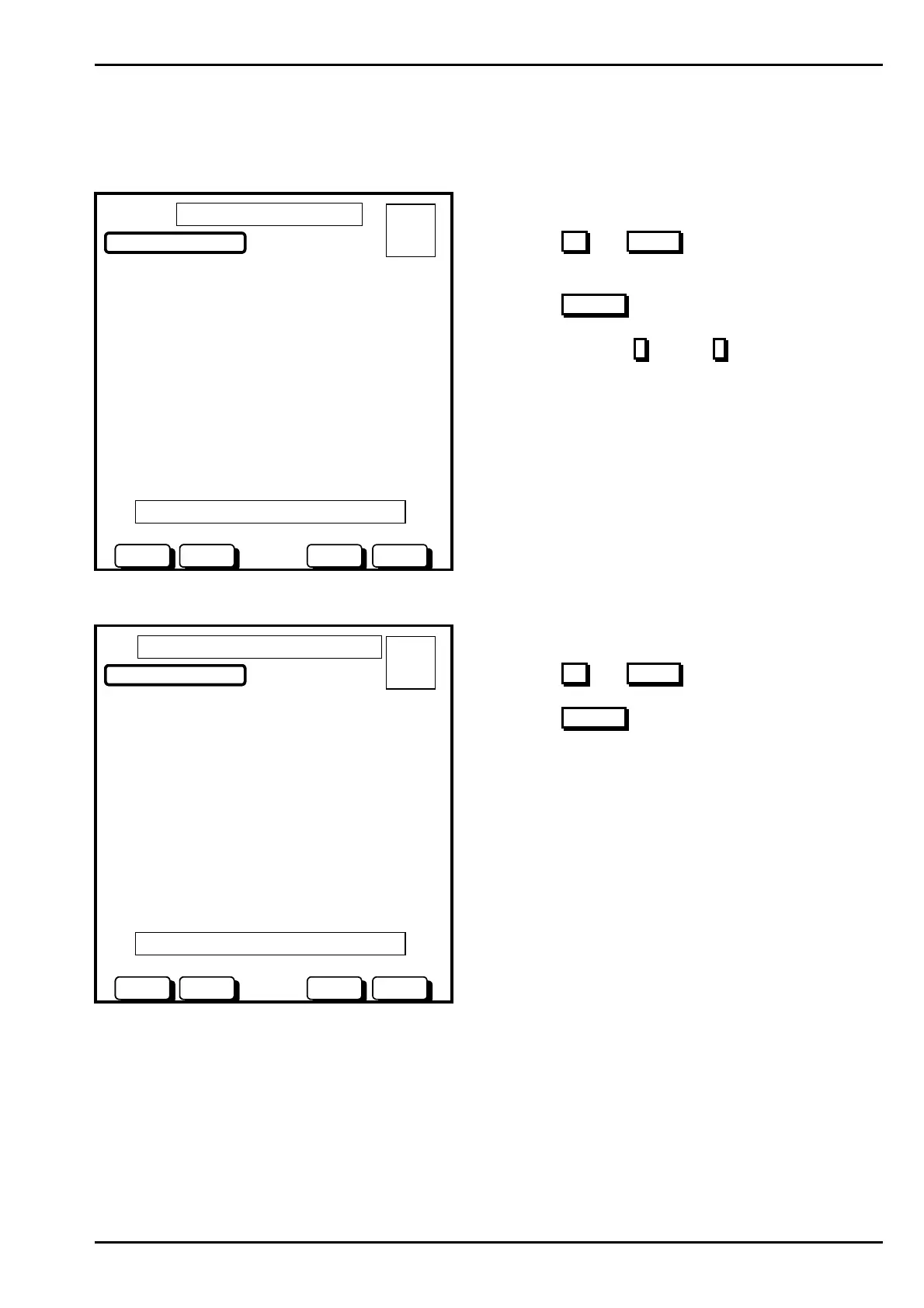
This menu will list all FlashScan loops (1 –10), you can then select detector or modules, then read status or
change or test a point.
1) LOOP 1
2) LOOP 2
3) LOOP 3
4) LOOP 4
5) LOOP 5
6) LOOP 6
7) LOOP 7
8) LOOP 8
9) LOOP 9
10) LOOP 10
FLASHSCAN LIST - LOOP
01 OCT 1999 14:44:37
DOWNUP
A = 0
F = 0
I = 0
N = 0
SELECT
01 OCT 1999 14:44:37
DOWNUP
USE BUTTONS/NUMBERS TO SELECT LOOP
BACK
Actions:
Use the UP
and DOWN buttons to scroll through the
FlashScan loop list.
Use the SELECT
button to select the loop to list.
Alternatively press 1
through 0 (use ‘0’ to select ‘10’).
Once you have selected the loop you will be prompted to select detectors or modules as follows:
SELECT DEVICE ON LOOP 1:
1) DETECTOR
2) MODULE
FLASHSCAN LIST – DETECTOR/MODULE
01 OCT 1999 14:44:37
DOWNUP
A = 0
F = 0
I = 0
N = 0
SELECT
01 OCT 1999 14:44:37
DOWNUP
USE BUTTONS/NUMBERS TO SELECT DEVICE
BACK
Actions:
Use the UP
and DOWN buttons to select option.
Use the SELECT
button to select the loop to list.
www.PDF-Zoo.com



 To Next Page
 Loading...