64
Camera Video Playback
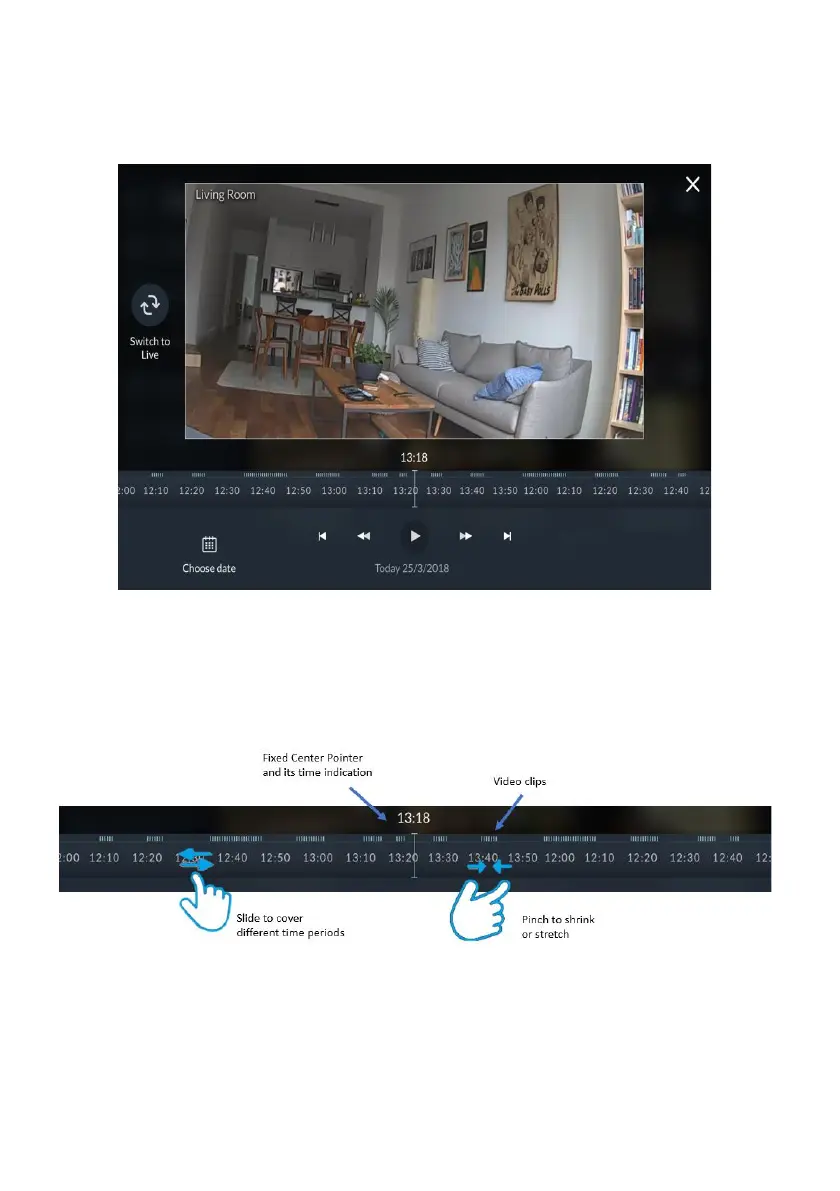
To watch recorded video clips from any given camera, click the camera image in
the Gallery, as shown in the example below.
Figure 63: Playback Screen
Time Slider
The Time Slider that appears under an image, provides the exact time each video
clip was recorded.
Figure 64: Time Slider Screen
Time Slider coverage range - The slider is set to cover 24 hours, from 00:00:00 to
23:59:59 of the current date, by default. You can extend or shrink the slider by
pinching it outward, or by using two fingers to cover any time frame between 10
minutes to 24 hours.



 To Next Page
 Loading...



