60
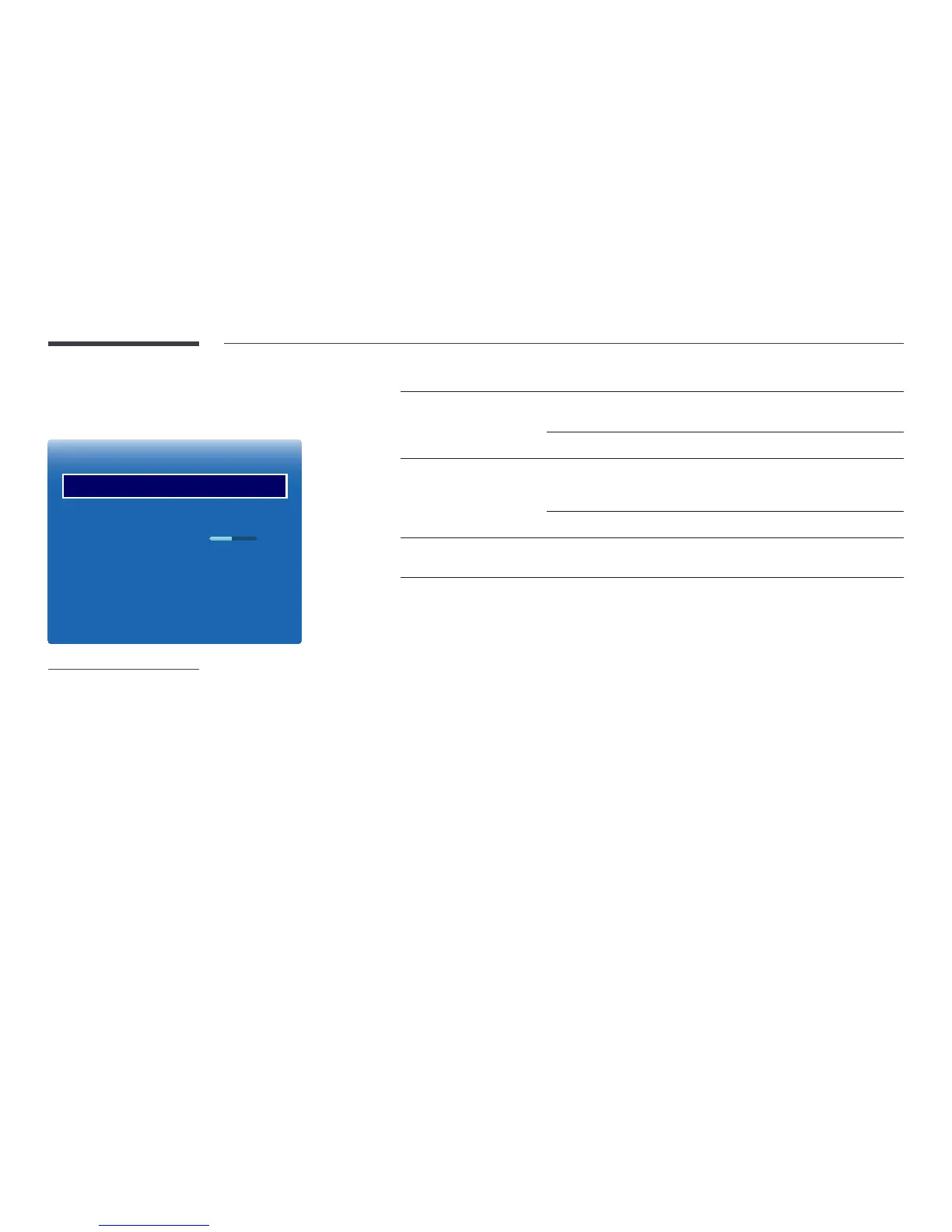
Advanced Settings
MENU m → Picture → Advanced Settings → ENTER E
Advanced Settings
Dynamic Contrast
Black Tone
Flesh Tone
RGB Only Mode
Colour Space
Motion Lighting
High
Darkest
0
O
Native
O
-
The displayed image may differ depending on the model.
Picture Mode Picture Mode settings Adjustable options
Shops & Shopping Centres,
Offices & Schools, Video Wall
Videos/Images
Dynamic Contrast / Black Tone / Flesh Tone /
RGB Only Mode / Colour Space
Text
Dynamic Contrast / Black Tone
Terminals & Stations Videos/Images
Dynamic Contrast / Black Tone / Flesh Tone
/ RGB Only Mode / Colour Space / Motion
Lighting
Text
Dynamic Contrast / Black Tone
BD Wise Dynamic Contrast / Black Tone / Flesh Tone / RGB
Only Mode / Colour Space
―
If Picture Mode is set to Calibration, Advanced Settings is disabled.


 To Next Page
 Loading...







